Williams Fractals
Bill Williams' up and down fractals: a high or low that stands above or below the bars on both sides, marked once the bars after it have closed.
- Fractals
- Built into Spectral
- Updates at bar close
- fractals
- bill williams
- swing highs
- swing lows
- reversal
- breakout
MIT-0: free to use, change and share, no attribution needed. What you build from it is yours.
Already in Spectral: add it from the Indicators toolbox. The file here is the same indicator written as a custom indicator, to change or learn from. Installed, it appears next to the built-in one, marked Custom.
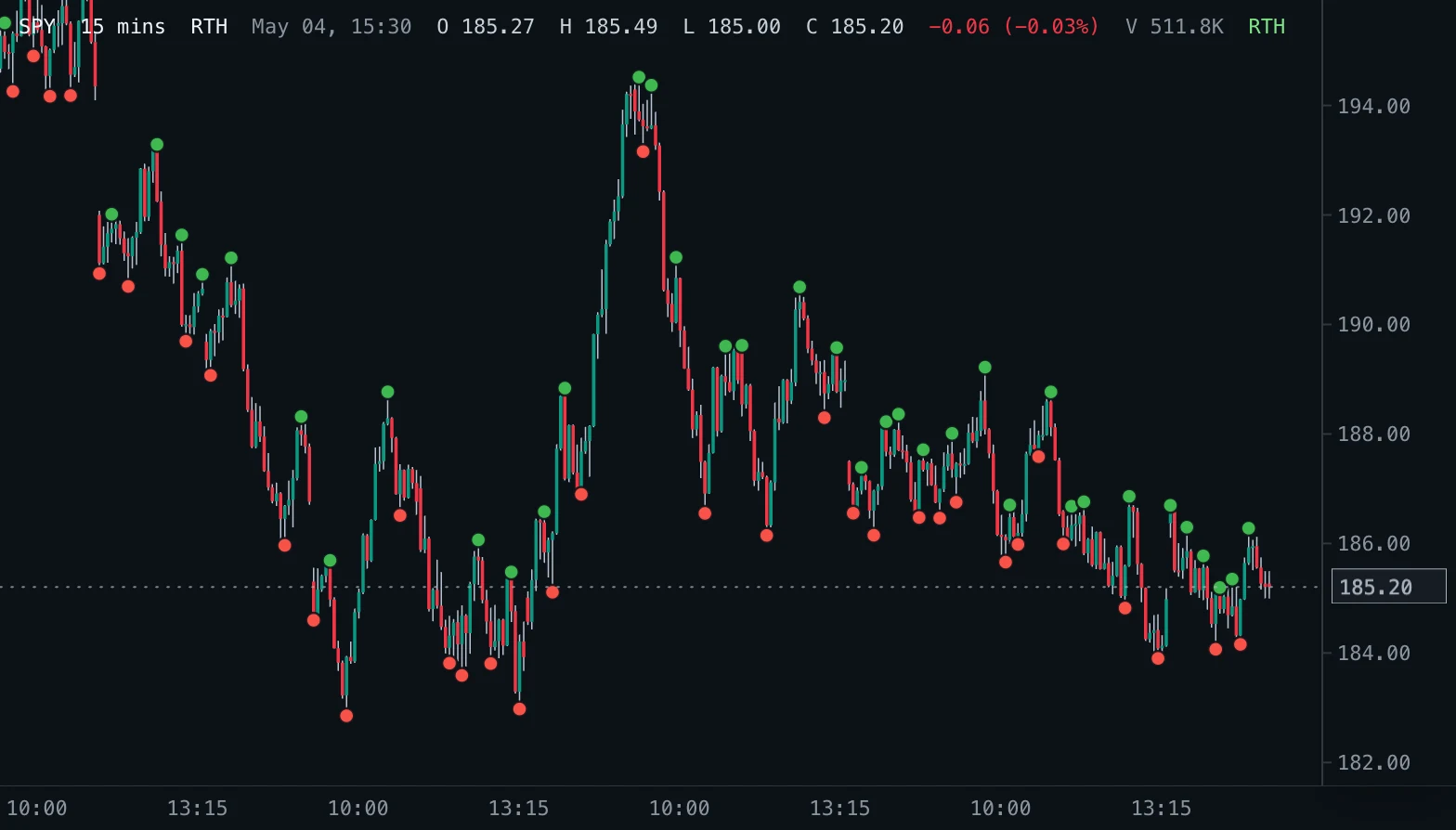
Overview
Williams Fractals mark the turning points Bill Williams described in Trading Chaos. An up fractal is a bar whose high is higher than the highs of the two bars before it and the two bars after it; a down fractal is a bar whose low is lower than the lows of the two bars on each side. The dot sits at that high or low.
Bars with the same high (or low) just before the fractal bar are allowed, so a flat top still counts once the bars around it are lower.
How to read it
Up fractals are recent swing highs, down fractals recent swing lows. In Williams' method a break above the latest up fractal is a buy signal and a break below the latest down fractal a sell signal, usually taken only in the direction of the trend (for example with the Alligator). Many traders also use the most recent fractals as stop and breakout levels.
A fractal is known only after the bars on its right have closed, so the dot appears two bars (Periods) after the bar it marks. It never appears or disappears while a bar is still forming.
Settings and limitations
Periods sets how many bars on each side a fractal must stand out against; 2 is the classic five-bar fractal, and larger values mark fewer, more significant swings with more delay. Up fractals and Down fractals switch each kind of marker.
Works on every bar size; the most recent Periods bars can never be a fractal yet.
Notes
Same rule as TradingView's Williams Fractals: the bars after the fractal bar must be strictly lower (higher for a down fractal), and up to four bars with an equal high (or low) are allowed just before it. Computed from closed bars only, so it does not repaint.
Settings
Each setting appears in the indicator's settings panel in Spectral, next to a color setting for every output.
| Setting | Type | Default | Range or options | What it does |
|---|---|---|---|---|
| Periods | Whole number | 2 | 2 – 20 | Bars on each side a fractal must stand out against. Bill Williams used 2: a five-bar pattern. |
| Up fractals | On / off | On | — | Mark up fractals, the swing highs, at the bar's high. |
| Down fractals | On / off | On | — | Mark down fractals, the swing lows, at the bar's low. |
What it draws
Markers
- Up fractaldot, radius 4
#3FB950 - Down fractaldot, radius 4
#F85149
Source
Save it as williams-fractals.js and add it with Indicators → Custom indicators → Add file…. The format is explained in the custom indicators guide.
// Copyright (c) 2026 Spectral
// SPDX-License-Identifier: MIT-0
// Free to use, copy, modify and share: https://spectral.trade/docs/custom-indicators/LICENSE.txt
/** @type {import('./spectral-indicator').IndicatorV2} */
export default {
  schemaVersion: 2,
  id: 'williams-fractals',
  name: 'Williams Fractals',
  shortName: 'Fractals',
  version: '1.0.0',
  author: 'Spectral',
  description: 'Bill Williams\' up and down fractals: a high or low that stands above or below the bars on both sides, marked once the bars after it have closed.',
  pane: 'price',
  live: 'none',
  inputs: {
    periods: { type: 'integer', label: 'Periods', default: 2, min: 2, max: 20, description: 'Bars on each side a fractal must stand out against. Bill Williams used 2: a five-bar pattern.' },
    showUp: { type: 'boolean', label: 'Up fractals', default: true, description: 'Mark up fractals, the swing highs, at the bar\'s high.' },
    showDown: { type: 'boolean', label: 'Down fractals', default: true, description: 'Mark down fractals, the swing lows, at the bar\'s low.' },
  },
  markers: {
    up: { label: 'Up fractal', color: '#3FB950', radius: 4 },
    down: { label: 'Down fractal', color: '#F85149', radius: 4 },
  },
  docs: {
    overview: 'Williams Fractals mark the turning points Bill Williams described in Trading Chaos. An up fractal is a bar whose high is higher than the highs of the two bars before it and the two bars after it; a down fractal is a bar whose low is lower than the lows of the two bars on each side. The dot sits at that high or low.\n\nBars with the same high (or low) just before the fractal bar are allowed, so a flat top still counts once the bars around it are lower.',
    howToRead: 'Up fractals are recent swing highs, down fractals recent swing lows. In Williams\' method a break above the latest up fractal is a buy signal and a break below the latest down fractal a sell signal, usually taken only in the direction of the trend (for example with the Alligator). Many traders also use the most recent fractals as stop and breakout levels.\n\nA fractal is known only after the bars on its right have closed, so the dot appears two bars (Periods) after the bar it marks. It never appears or disappears while a bar is still forming.',
    settings: 'Periods sets how many bars on each side a fractal must stand out against; 2 is the classic five-bar fractal, and larger values mark fewer, more significant swings with more delay. Up fractals and Down fractals switch each kind of marker.\n\nWorks on every bar size; the most recent Periods bars can never be a fractal yet.',
    notes: 'Same rule as TradingView\'s Williams Fractals: the bars after the fractal bar must be strictly lower (higher for a down fractal), and up to four bars with an equal high (or low) are allowed just before it. Computed from closed bars only, so it does not repaint.',
  },
  calculate(ctx) {
    const { bars, inputs } = ctx;
    const n = inputs.periods;
    const up = [];
    const down = [];
    for (let index = n; index + n < bars.length; index += 1) {
      if (inputs.showUp && isFractal(bars, index, n, (bar) => bar.high)) up.push({ index, value: bars[index].high });
      if (inputs.showDown && isFractal(bars, index, n, (bar) => -bar.low)) down.push({ index, value: bars[index].low });
    }
    return { markers: { up, down } };
  },
};

/**
 * True when bar `index` stands out in `valueOf` (the high, or the negated low): the `n` bars after it are
 * strictly lower, and before it, after up to four bars that are not higher, the next `n` bars are strictly lower.
 */
function isFractal(bars, index, n, valueOf) {
  const value = valueOf(bars[index]);
  for (let step = 1; step <= n; step += 1) {
    if (valueOf(bars[index + step]) >= value) return false;
  }
  for (let flat = 0; flat <= 4; flat += 1) {
    if (index - flat - n < 0) return false;
    if (flat > 0 && valueOf(bars[index - flat]) > value) return false;
    let lower = true;
    for (let step = 1; step <= n && lower; step += 1) lower = valueOf(bars[index - flat - step]) < value;
    if (lower) return true;
  }
  return false;
}
Adapt it with an LLM
Paste this into your assistant and replace the second-to-last line with the change you want.
Start from this Spectral custom indicator: https://spectral.trade/indicators/williams-fractals.js
Format reference: https://spectral.trade/docs/custom-indicators.llm.md
Keep the file format and every rule of the reference; give the result a new id, name, shortName and version, and update docs and input descriptions to match.
Keep its live updates exact and fast (section "Fast live updates" of the reference): carry values from bar to bar only through ctx.ta, and raise live.lookback if the change reads further back; Spectral rejects a file whose live updates differ from a full recalculation or are too slow.
Change I want: <describe the change>
Answer with the complete file in one code block, ready to save as <id>.js.
Related indicators
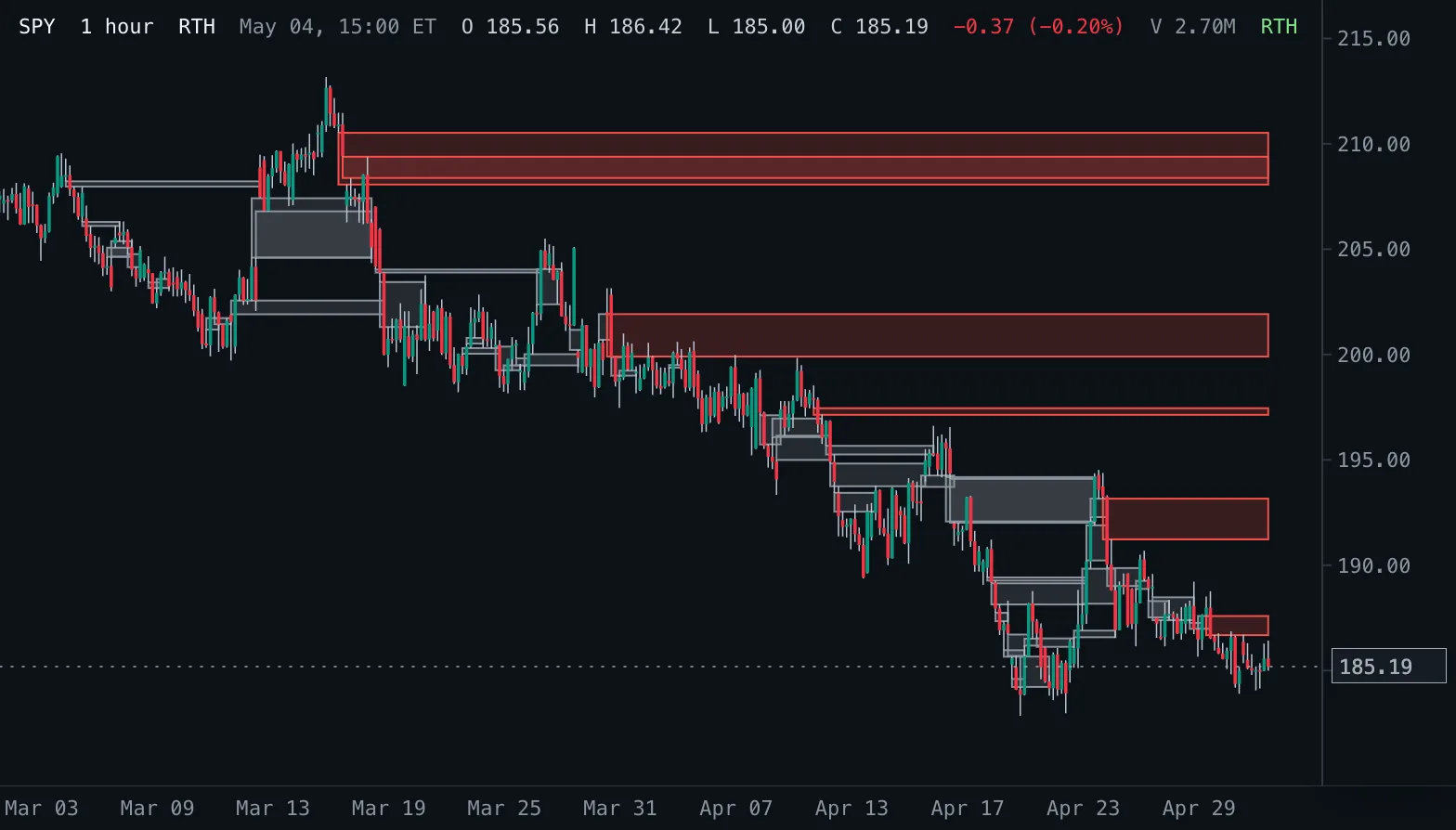
Fair Value Gaps FVG
Boxes every three-bar fair value gap from its first bar until price fills (or touches) it, labelled with the gap size; hovering a box shows its size in percent and whether it is still open.
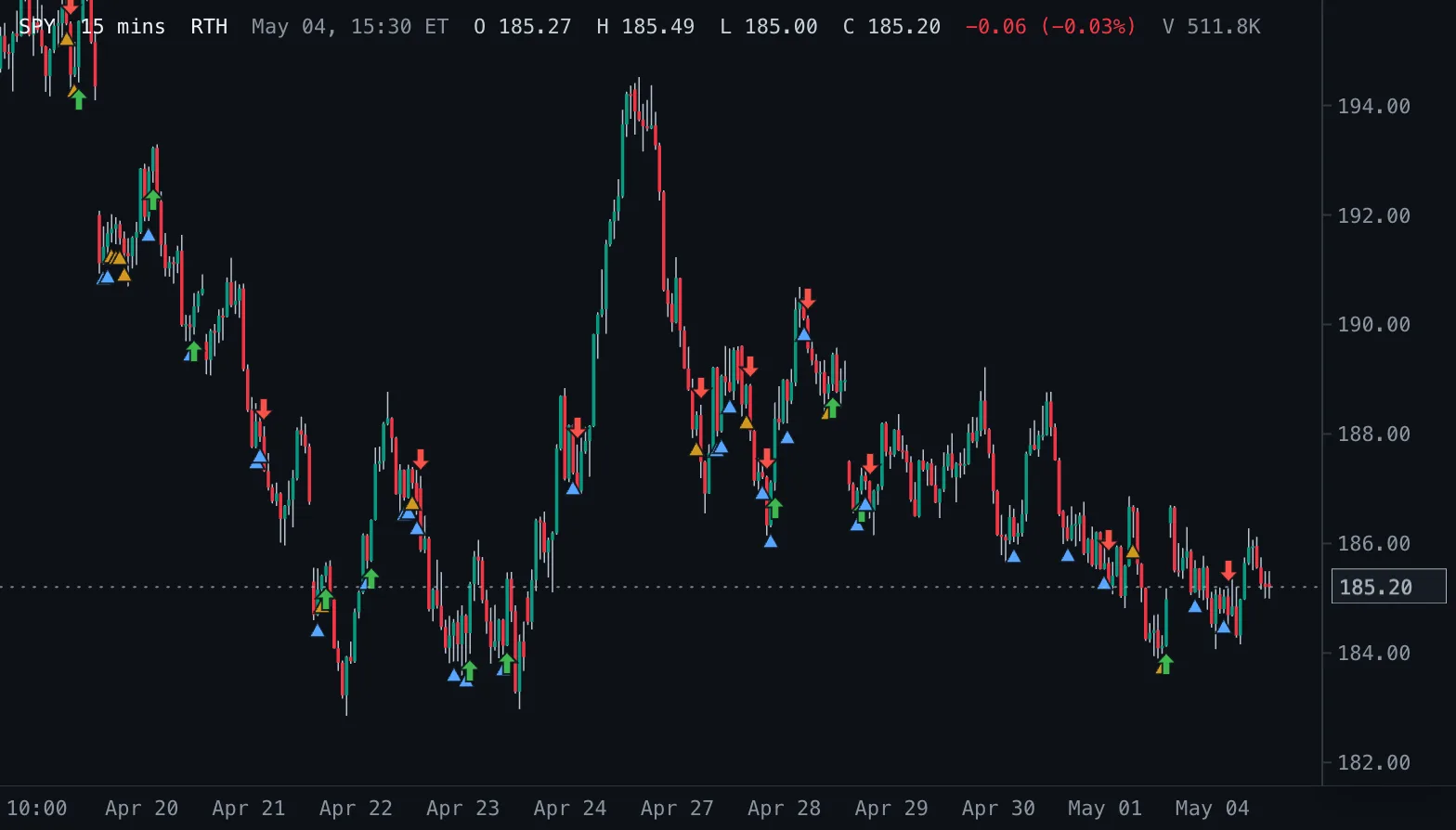
Inside Bar Breakouts IB Break
Marks inside bars with a triangle below the bar and the first close beyond the mother bar with an arrow.
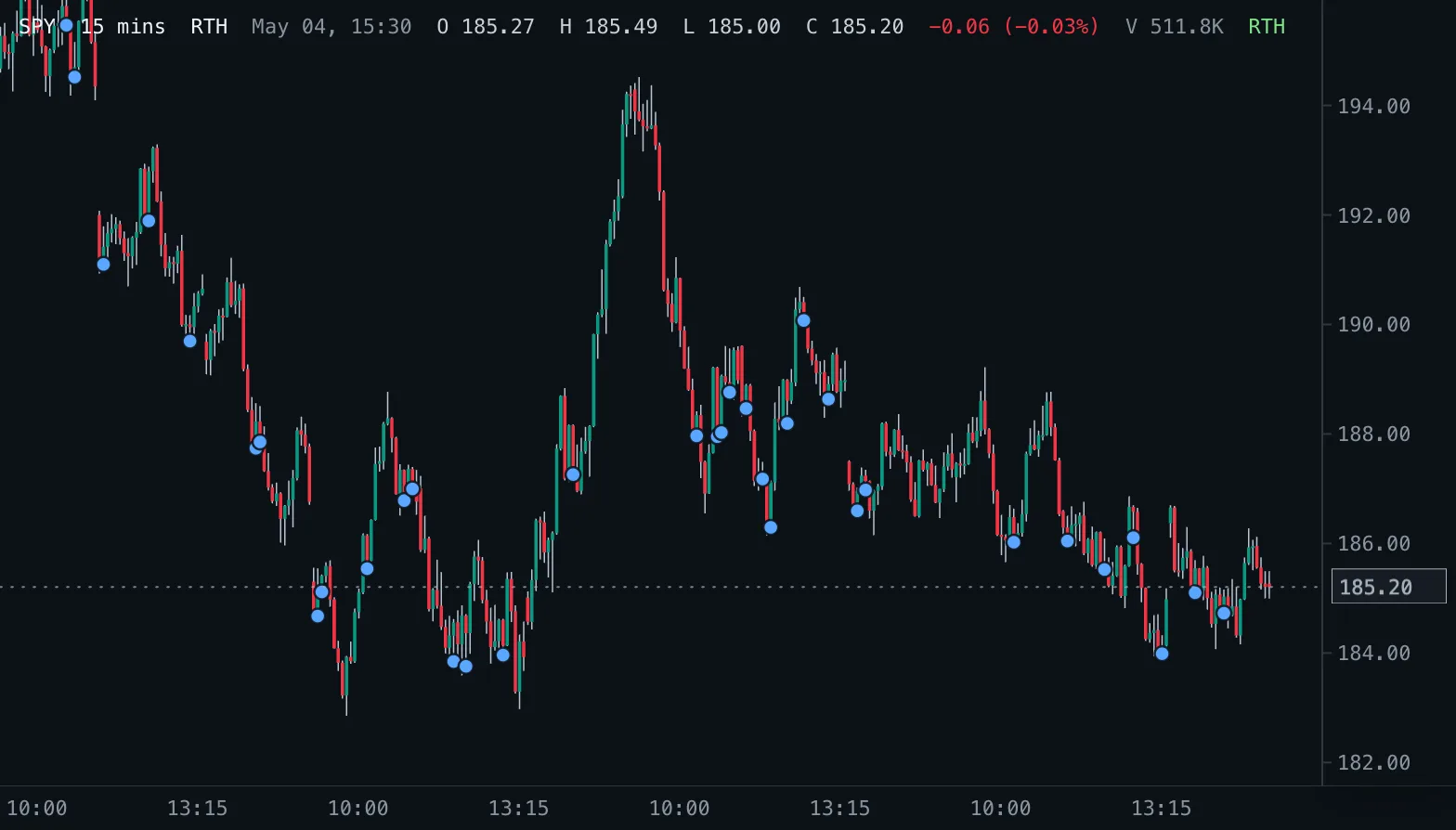
Inside Bars IB
Marks completed bars whose high and low sit inside the previous bar.