Inside Bar Breakouts
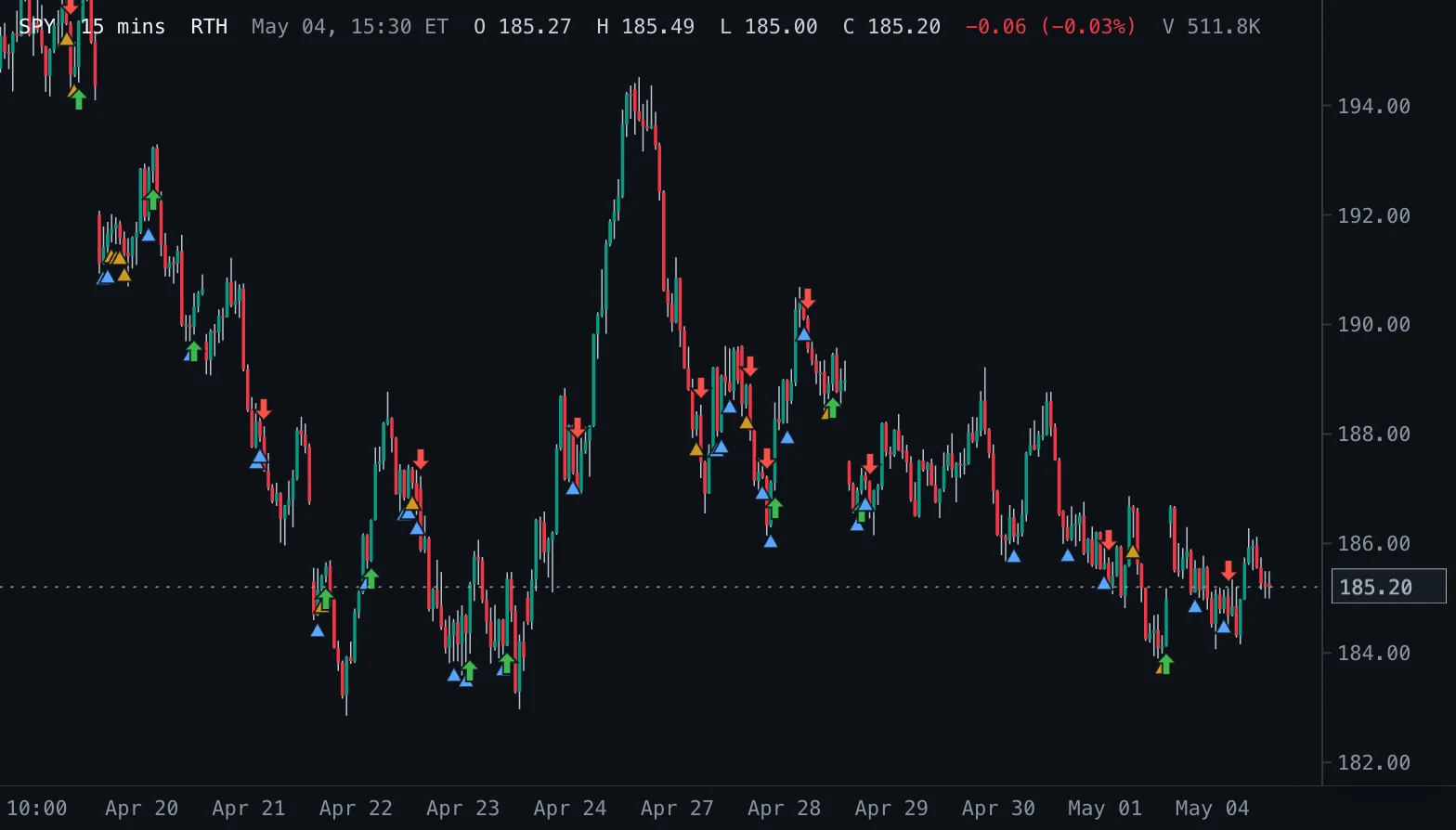
Marks inside bars with a triangle below the bar and the first close beyond the mother bar with an arrow.
- IB Break
- Updates at bar close
- inside bar
- breakout
- markers
- price action
- mother bar
MIT-0: free to use, change and share, no attribution needed. What you build from it is yours.
Overview
A small triangle under every inside bar (its high and low inside the mother bar, the bar before the first inside bar), and an arrow on the first bar that closes above or below the mother bar.
How to read it
A run of triangles shows compression; the arrow marks the close that broke out of it. Tight inside bars (the second colour) often precede the stronger breaks.
Settings and limitations
Tight ratio sets which inside bars are drawn in the tight colour: their range as a share of the mother bar range.
Notes
Marks completed bars only (live: none), so the forming bar never flickers in and out. On a long chart only the newest 4,000 inside bars and breakouts of each kind are marked (Spectral keeps at most 4,000 shape markers per key).
Settings
Each setting appears in the indicator's settings panel in Spectral, next to a color setting for every output.
| Setting | Type | Default | Range or options | What it does |
|---|---|---|---|---|
| Tight ratio | Number | 0.5 | 0.1 – 1, step 0.05 | An inside bar whose range is at most this share of the mother bar range is drawn in the tight colour. |
What it draws
Markers
- Inside bartriangle up, small · below the bar · colors from Inside bar (2 colors)
#58A6FF #D29922 - Breakout uparrow up, normal · below the bar
#3FB950 - Breakout downarrow down, normal · above the bar
#F85149
Source
Save it as inside-bar-shapes.js and add it with Indicators → Custom indicators → Add file…. The format is explained in the custom indicators guide.
// Copyright (c) 2026 Spectral
// SPDX-License-Identifier: MIT-0
// Free to use, copy, modify and share: https://spectral.trade/docs/custom-indicators/LICENSE.txt
/** Shape markers one key may return (Spectral's limit). */
const MAX_MARKERS = 4000;

/** @type {import('./spectral-indicator').IndicatorV3} */
export default {
  schemaVersion: 3,
  id: 'inside-bar-shapes',
  name: 'Inside Bar Breakouts',
  shortName: 'IB Break',
  version: '1.0.0',
  author: 'Spectral examples',
  description: 'Marks inside bars with a triangle below the bar and the first close beyond the mother bar with an arrow.',
  pane: 'price',
  live: 'none',
  inputs: {
    maxRatio: { type: 'number', label: 'Tight ratio', default: 0.5, min: 0.1, max: 1, step: 0.05, description: 'An inside bar whose range is at most this share of the mother bar range is drawn in the tight colour.' },
  },
  palettes: {
    inside: { label: 'Inside bar', colors: ['#58A6FF', '#D29922'] },
  },
  markers: {
    inside: { label: 'Inside bar', color: '#58A6FF', shape: 'triangleUp', size: 'small', placement: 'belowBar', palette: 'inside', hideBelowBarWidth: 2 },
    breakUp: { label: 'Breakout up', color: '#3FB950', shape: 'arrowUp', size: 'normal', placement: 'belowBar' },
    breakDown: { label: 'Breakout down', color: '#F85149', shape: 'arrowDown', size: 'normal', placement: 'aboveBar' },
  },
  docs: {
    overview: 'A small triangle under every inside bar (its high and low inside the mother bar, the bar before the first inside bar), and an arrow on the first bar that closes above or below the mother bar.',
    howToRead: 'A run of triangles shows compression; the arrow marks the close that broke out of it. Tight inside bars (the second colour) often precede the stronger breaks.',
    settings: 'Tight ratio sets which inside bars are drawn in the tight colour: their range as a share of the mother bar range.',
    notes: 'Marks completed bars only (live: none), so the forming bar never flickers in and out. On a long chart only the newest 4,000 inside bars and breakouts of each kind are marked (Spectral keeps at most 4,000 shape markers per key).',
  },
  calculate(ctx) {
    const { bars, inputs } = ctx;
    const inside = [];
    const breakUp = [];
    const breakDown = [];
    let mother = null;
    for (let index = 1; index < bars.length; index += 1) {
      const bar = bars[index];
      if (mother !== null) {
        if (bar.close > mother.high) { breakUp.push({ index }); mother = null; continue; }
        if (bar.close < mother.low) { breakDown.push({ index }); mother = null; continue; }
      }
      const previous = mother ?? bars[index - 1];
      const range = previous.high - previous.low;
      if (range > 0 && bar.high <= previous.high && bar.low >= previous.low) {
        mother = previous;
        const tight = (bar.high - bar.low) / range <= inputs.maxRatio;
        inside.push({ index, palette: tight ? 1 : 0 });
      } else if (mother !== null && (bar.high > mother.high || bar.low < mother.low)) {
        mother = null;
      }
    }
    // Spectral keeps at most 4,000 shape markers per key, so a long history returns its newest ones.
    const newest = (items) => (items.length > MAX_MARKERS ? items.slice(items.length - MAX_MARKERS) : items);
    return { markers: { inside: newest(inside), breakUp: newest(breakUp), breakDown: newest(breakDown) } };
  },
};
Adapt it with an LLM
Paste this into your assistant and replace the second-to-last line with the change you want.
Start from this Spectral custom indicator: https://spectral.trade/indicators/inside-bar-shapes.js
Format reference: https://spectral.trade/docs/custom-indicators.llm.md
Keep the file format and every rule of the reference; give the result a new id, name, shortName and version, and update docs and input descriptions to match.
Keep its live updates exact and fast (section "Fast live updates" of the reference): carry values from bar to bar only through ctx.ta, and raise live.lookback if the change reads further back; Spectral rejects a file whose live updates differ from a full recalculation or are too slow.
Change I want: <describe the change>
Answer with the complete file in one code block, ready to save as <id>.js.
Related indicators
Fair Value Gaps FVG
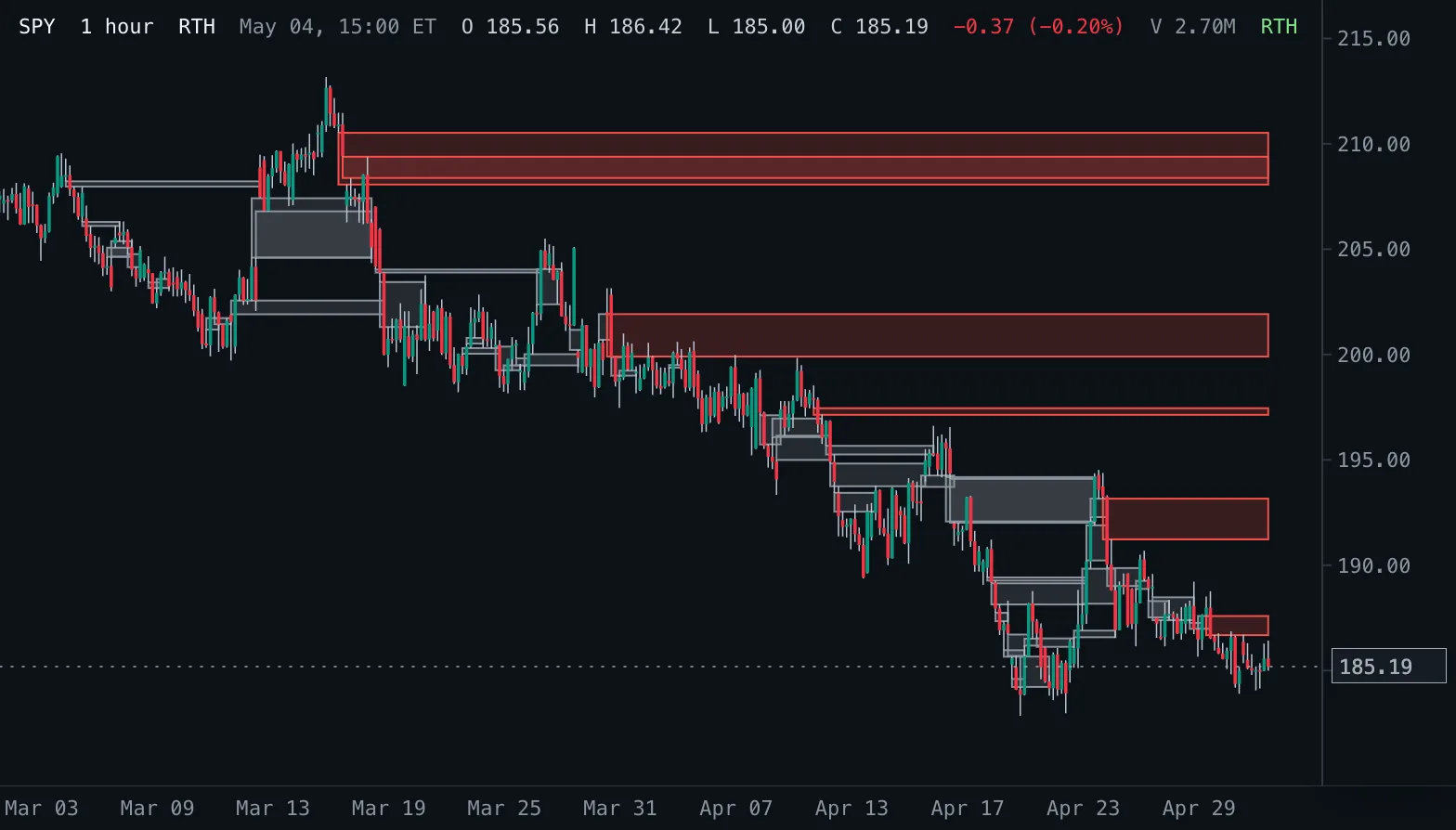
Boxes every three-bar fair value gap from its first bar until price fills (or touches) it, labelled with the gap size; hovering a box shows its size in percent and whether it is still open.
Inside Bars IB
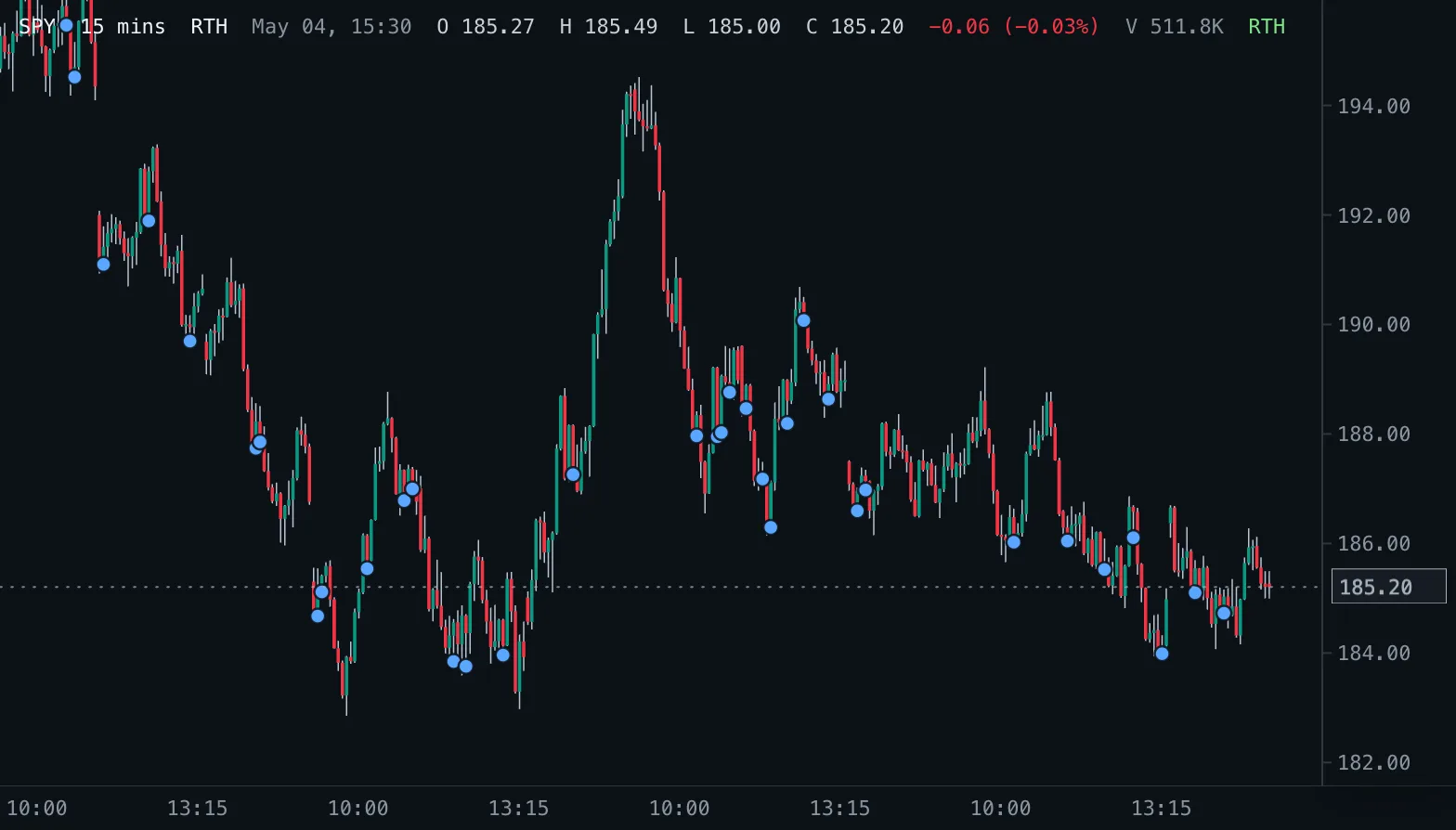
Marks completed bars whose high and low sit inside the previous bar.
Market Structure BOS/CHoCH Structure
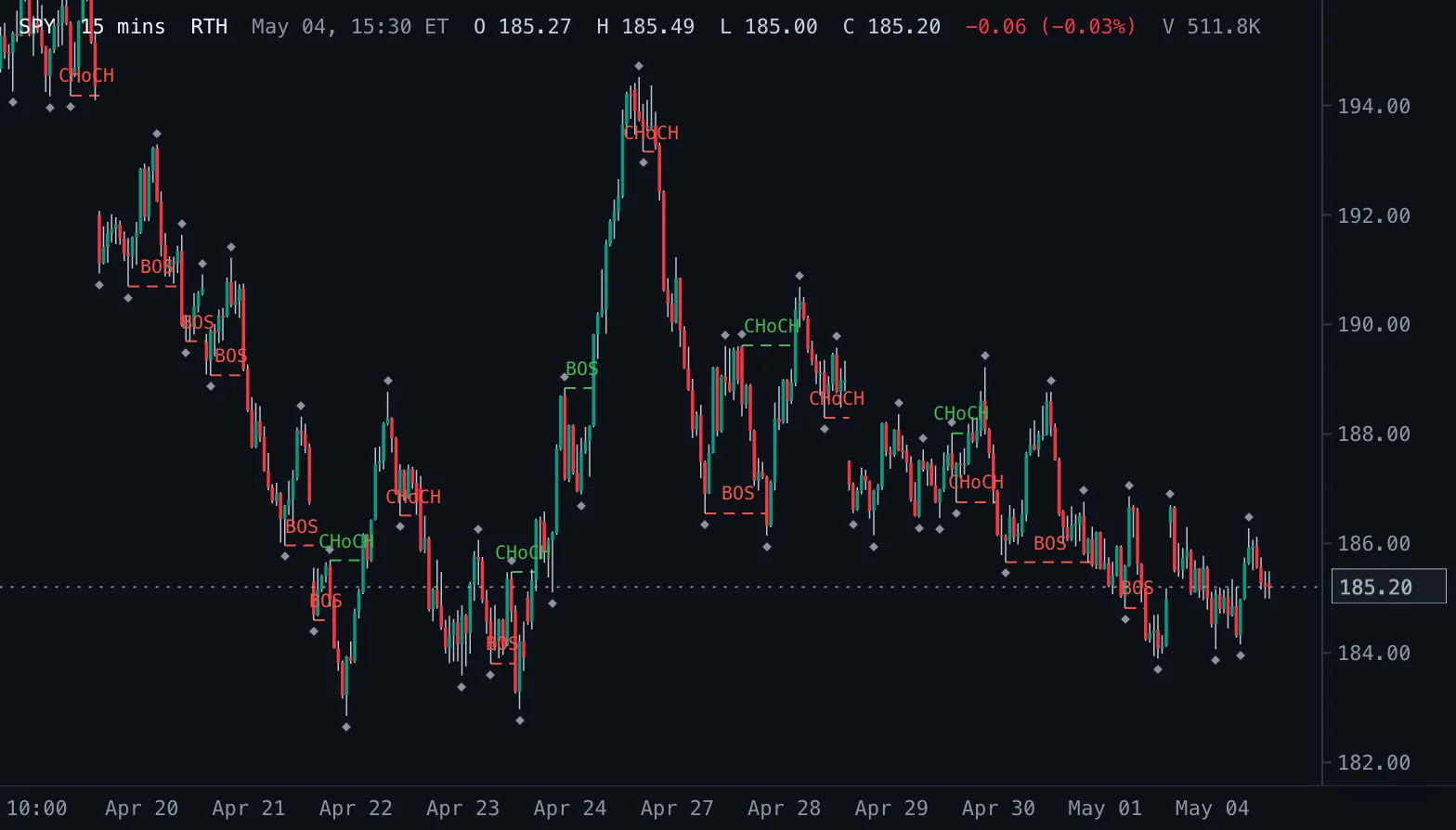
Swing highs and lows from fractal pivots, and a line with a BOS or CHoCH label wherever a close breaks the last swing: with the trend a break of structure, against it a change of character.