Previous Week High/Low
High and low of the previous trading week as horizontal levels, with optional history.
- PWx
- Built into Spectral
- Updates every tick
- previous week
- weekly high
- weekly low
- support
- resistance
MIT-0: free to use, change and share, no attribution needed. What you build from it is yours.
Already in Spectral: add it from the Indicators toolbox. The file here is the same indicator written as a custom indicator, to change or learn from. Installed, it appears next to the built-in one, marked Custom.
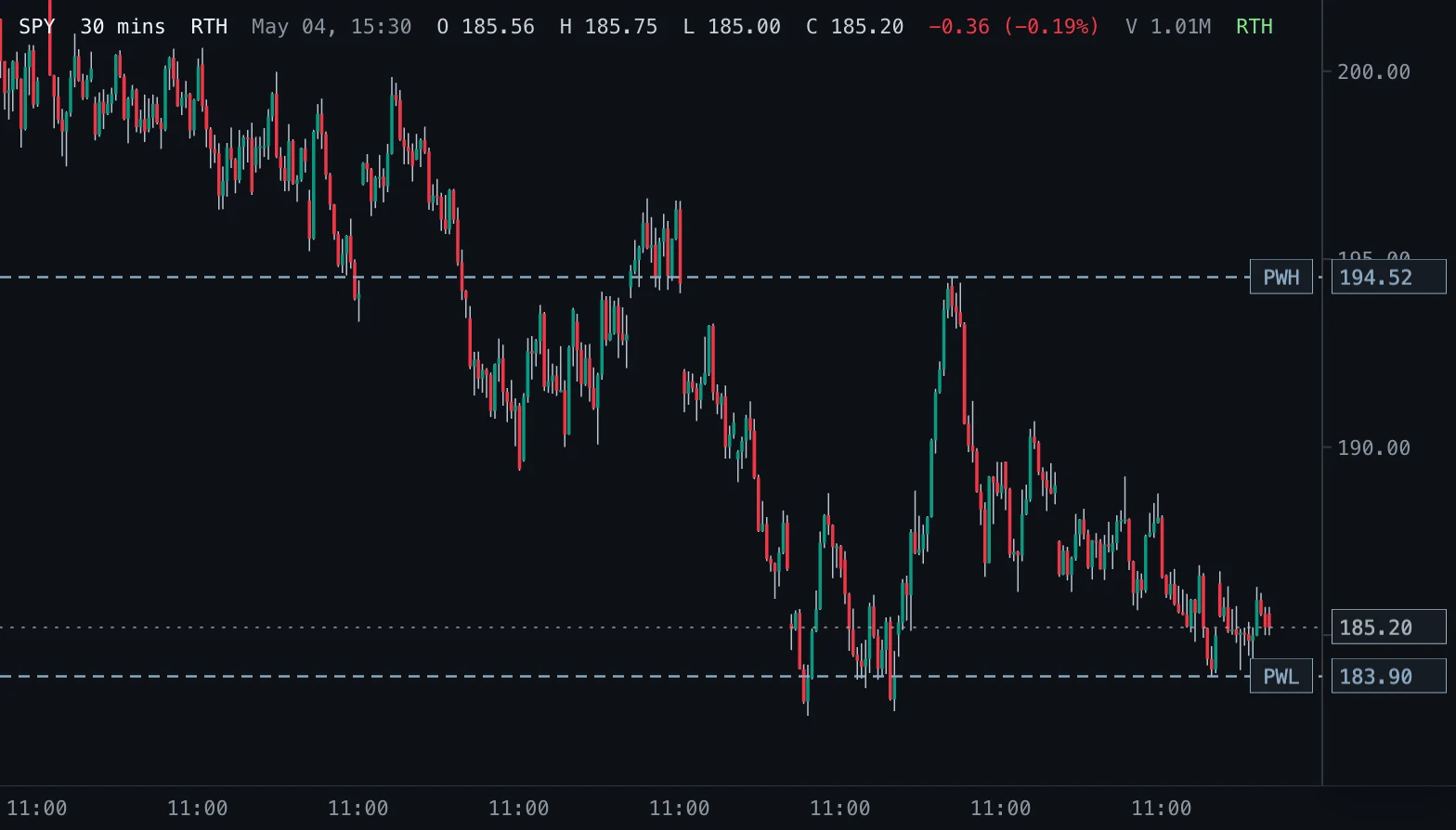
Overview
Previous Week High/Low marks the highest high and the lowest low of the prior calendar trading week (New York time) as two horizontal levels. Every bar of that week counts, including pre-market and after-hours bars when the chart shows them.
How to read it
The levels mark where the last completed week found its extremes. Traders use them as larger-scale reference areas: a reclaim, rejection or acceptance at a weekly extreme often matters more than one at a daily level.
Settings and limitations
Show history adds step lines that show, for every bar, the high and low of the week before that bar's week. The levels need bars from at least two weeks on the chart, so scroll back or use a bar size that loads enough history.
Notes
Computes the same levels as the built-in PWx in Spectral, which draws them as rays from the previous week.
Settings
Each setting appears in the indicator's settings panel in Spectral, next to a color setting for every output.
| Setting | Type | Default | Range or options | What it does |
|---|---|---|---|---|
| Show history | On / off | Off | — | Also draw the previous-week high and low for every earlier week as step lines. |
What it draws
Lines
- PWH historydotted · 1 px · primary
#8AA9C3 - PWL historydotted · 1 px
#8AA9C3
Levels
- PWHsolid · 1 px · value on the axis
#8AA9C3 - PWLsolid · 1 px · value on the axis
#8AA9C3
Source
Save it as pwx.js and add it with Indicators → Custom indicators → Add file…. The format is explained in the custom indicators guide.
// Copyright (c) 2026 Spectral
// SPDX-License-Identifier: MIT-0
// Free to use, copy, modify and share: https://spectral.trade/docs/custom-indicators/LICENSE.txt
/** @type {import('./spectral-indicator').IndicatorV1} */
export default {
  schemaVersion: 1,
  id: 'pwx',
  name: 'Previous Week High/Low',
  shortName: 'PWx',
  version: '1.0.0',
  author: 'Spectral',
  description: 'High and low of the previous trading week as horizontal levels, with optional history.',
  pane: 'price',
  live: { lookback: 0 },
  inputs: {
    showHistory: { type: 'boolean', label: 'Show history', default: false, description: 'Also draw the previous-week high and low for every earlier week as step lines.' },
  },
  levels: {
    high: { label: 'PWH', color: '#8AA9C3', showValue: true },
    low: { label: 'PWL', color: '#8AA9C3', showValue: true },
  },
  plots: {
    highHistory: { label: 'PWH history', color: '#8AA9C3', lineStyle: 'dotted', primary: true },
    lowHistory: { label: 'PWL history', color: '#8AA9C3', lineStyle: 'dotted' },
  },
  docs: {
    overview: 'Previous Week High/Low marks the highest high and the lowest low of the prior calendar trading week (New York time) as two horizontal levels. Every bar of that week counts, including pre-market and after-hours bars when the chart shows them.',
    howToRead: 'The levels mark where the last completed week found its extremes. Traders use them as larger-scale reference areas: a reclaim, rejection or acceptance at a weekly extreme often matters more than one at a daily level.',
    settings: 'Show history adds step lines that show, for every bar, the high and low of the week before that bar\'s week. The levels need bars from at least two weeks on the chart, so scroll back or use a bar size that loads enough history.',
    notes: 'Computes the same levels as the built-in PWx in Spectral, which draws them as rays from the previous week.',
  },
  calculate(ctx) {
    const { bars, inputs, ta, time } = ctx;
    // Each New York week's range and the previous week's carry from bar to bar through ta.scan.
    const initial = { week: '', current: null, previous: null };
    const states = ta.scan(bars, initial, (state, bar) => {
      const week = time.ny(bar).weekKey;
      if (week !== state.week) return { week, current: { high: bar.high, low: bar.low }, previous: state.current };
      // A bar that changes nothing returns the state itself, which ta.scan keeps without copying it.
      if (bar.high <= state.current.high && bar.low >= state.current.low) return state;
      return {
        week,
        current: { high: Math.max(state.current.high, bar.high), low: Math.min(state.current.low, bar.low) },
        previous: state.previous,
      };
    });
    const last = states.length > 0 ? states[states.length - 1] : initial;
    const previous = last.previous;
    const history = (pick) => states.map((state) => (inputs.showHistory && state.previous !== null ? state.previous[pick] : null));
    return {
      levels: { high: previous === null ? null : previous.high, low: previous === null ? null : previous.low },
      plots: { highHistory: history('high'), lowHistory: history('low') },
    };
  },
};
Adapt it with an LLM
Paste this into your assistant and replace the second-to-last line with the change you want.
Start from this Spectral custom indicator: https://spectral.trade/indicators/pwx.js
Format reference: https://spectral.trade/docs/custom-indicators.llm.md
Keep the file format and every rule of the reference; give the result a new id, name, shortName and version, and update docs and input descriptions to match.
Keep its live updates exact and fast (section "Fast live updates" of the reference): carry values from bar to bar only through ctx.ta, and raise live.lookback if the change reads further back; Spectral rejects a file whose live updates differ from a full recalculation or are too slow.
Change I want: <describe the change>
Answer with the complete file in one code block, ready to save as <id>.js.
Related indicators
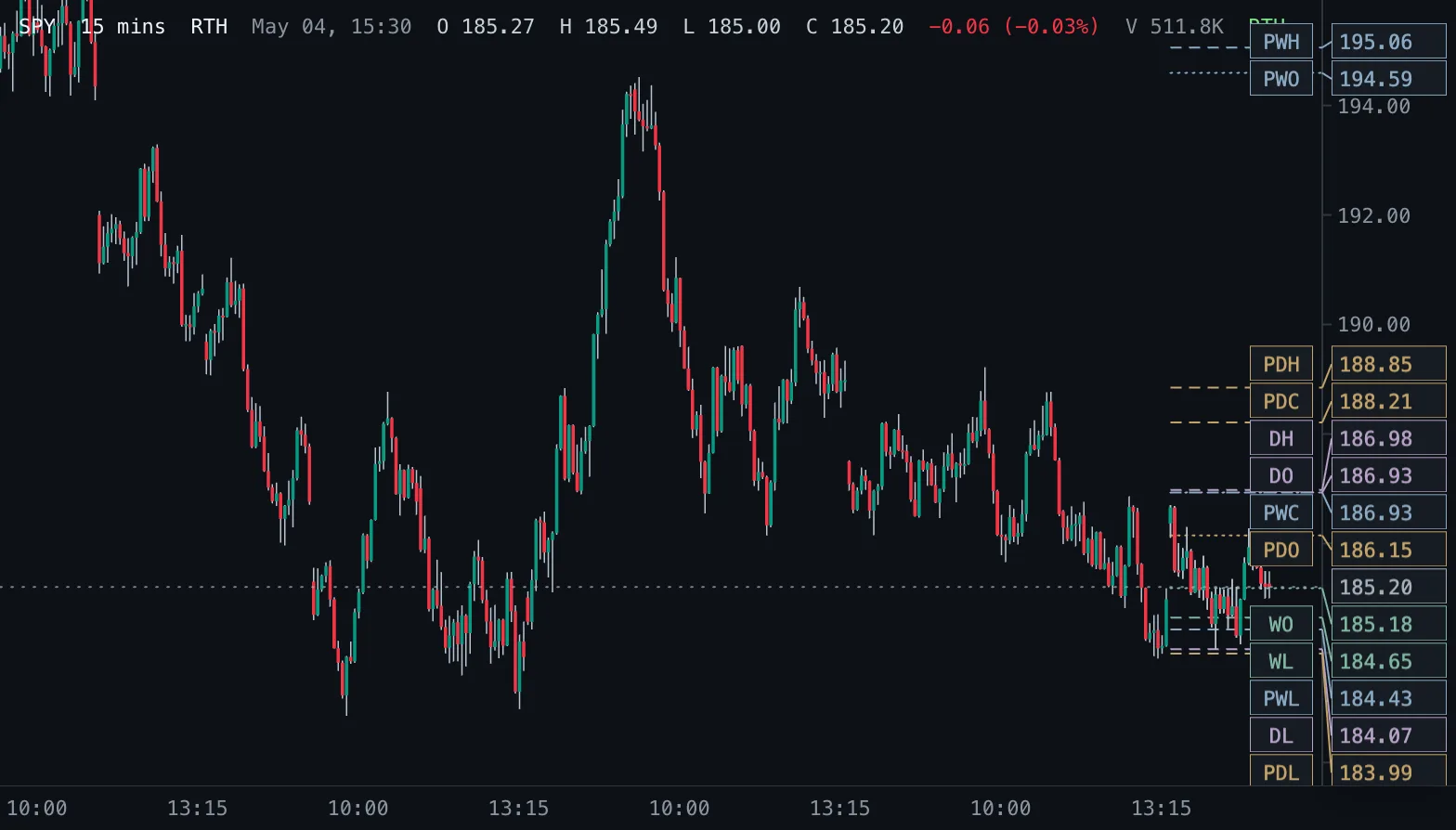
Daily & Weekly Levels D/W Levels
Previous and current day and week open, high, low and close as levels, read from real daily and weekly bars.
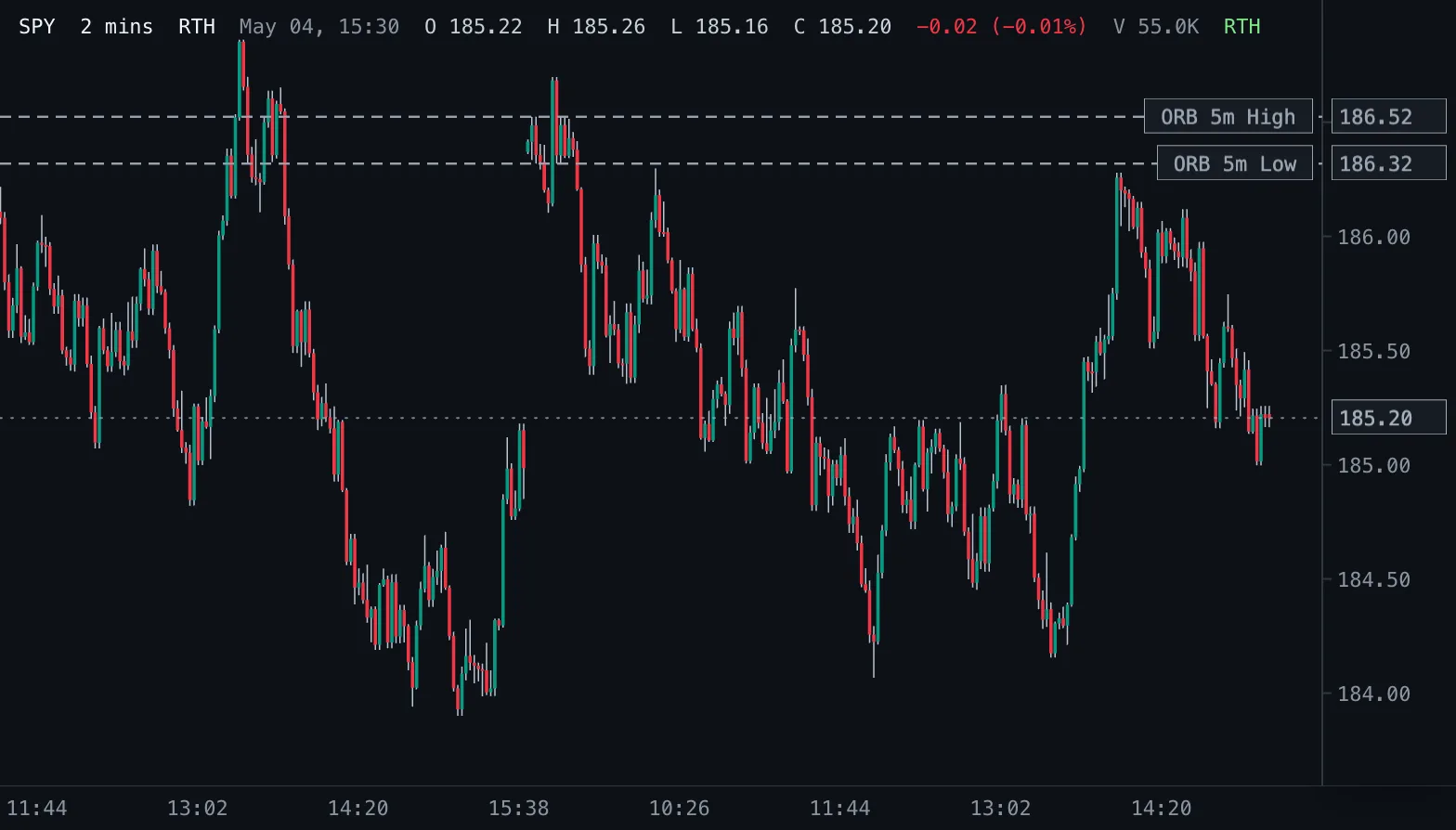
Opening Range Breakout ORB
Opening-range highs and lows for 1, 2, 5, 10, 15, 30 and 60 minutes after the 09:30 New York open.
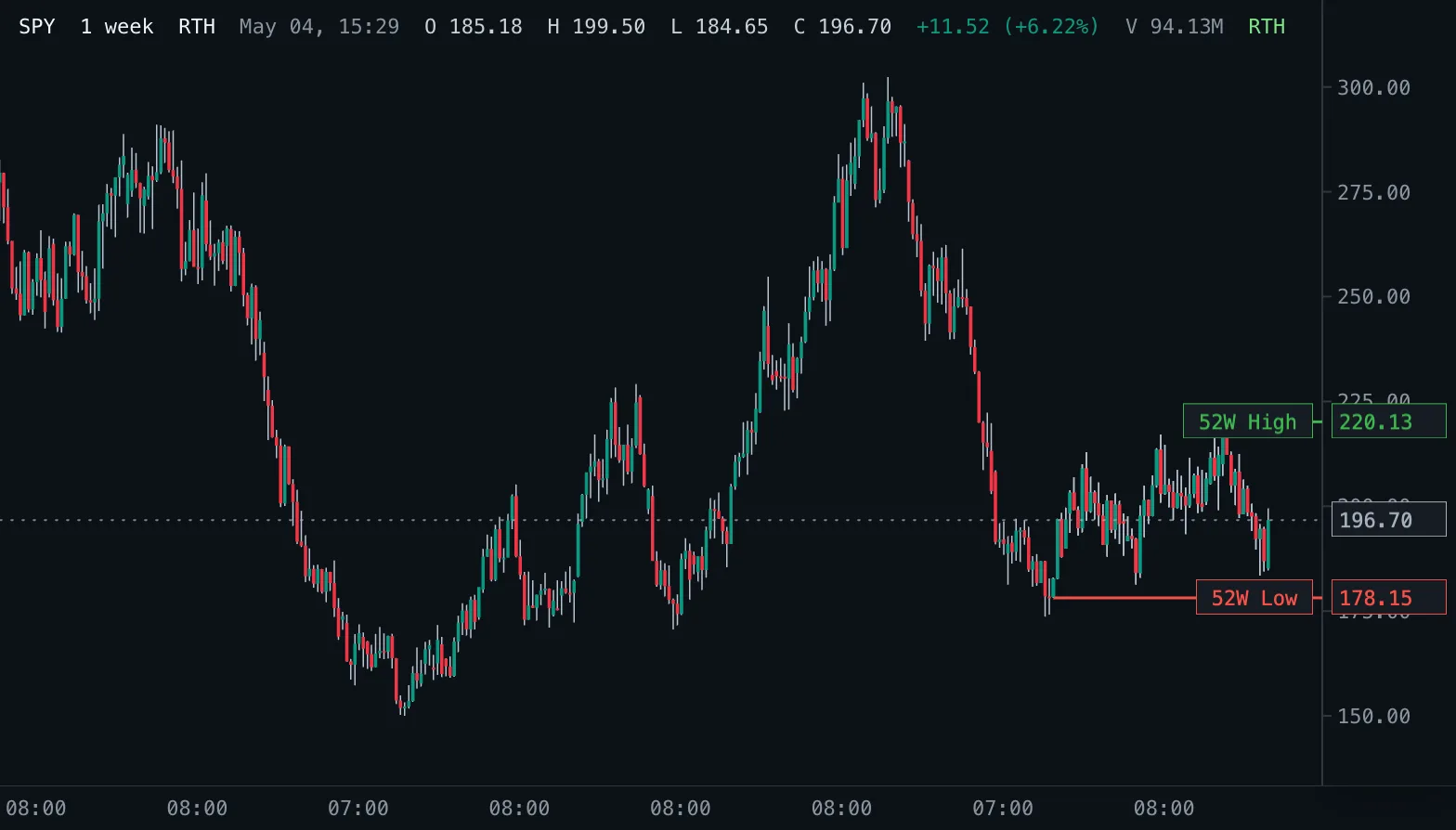
52-Week High/Low 52W H/L
The highest high and lowest low of the last 52 weeks as levels, read from real daily bars.