Simple Volume + Pocket Pivots
Volume histogram colored by class: pocket pivots, above-average up bars, above-average down bars and neutral bars.
- PPV Volume
- Built into Spectral
- Updates every tick
- Uses volume
- pocket pivot
- volume
- accumulation
- breakout
- histogram
MIT-0: free to use, change and share, no attribution needed. What you build from it is yours.
Already in Spectral: add it from the Indicators toolbox. The file here is the same indicator written as a custom indicator, to change or learn from. Installed, it appears next to the built-in one, marked Custom.
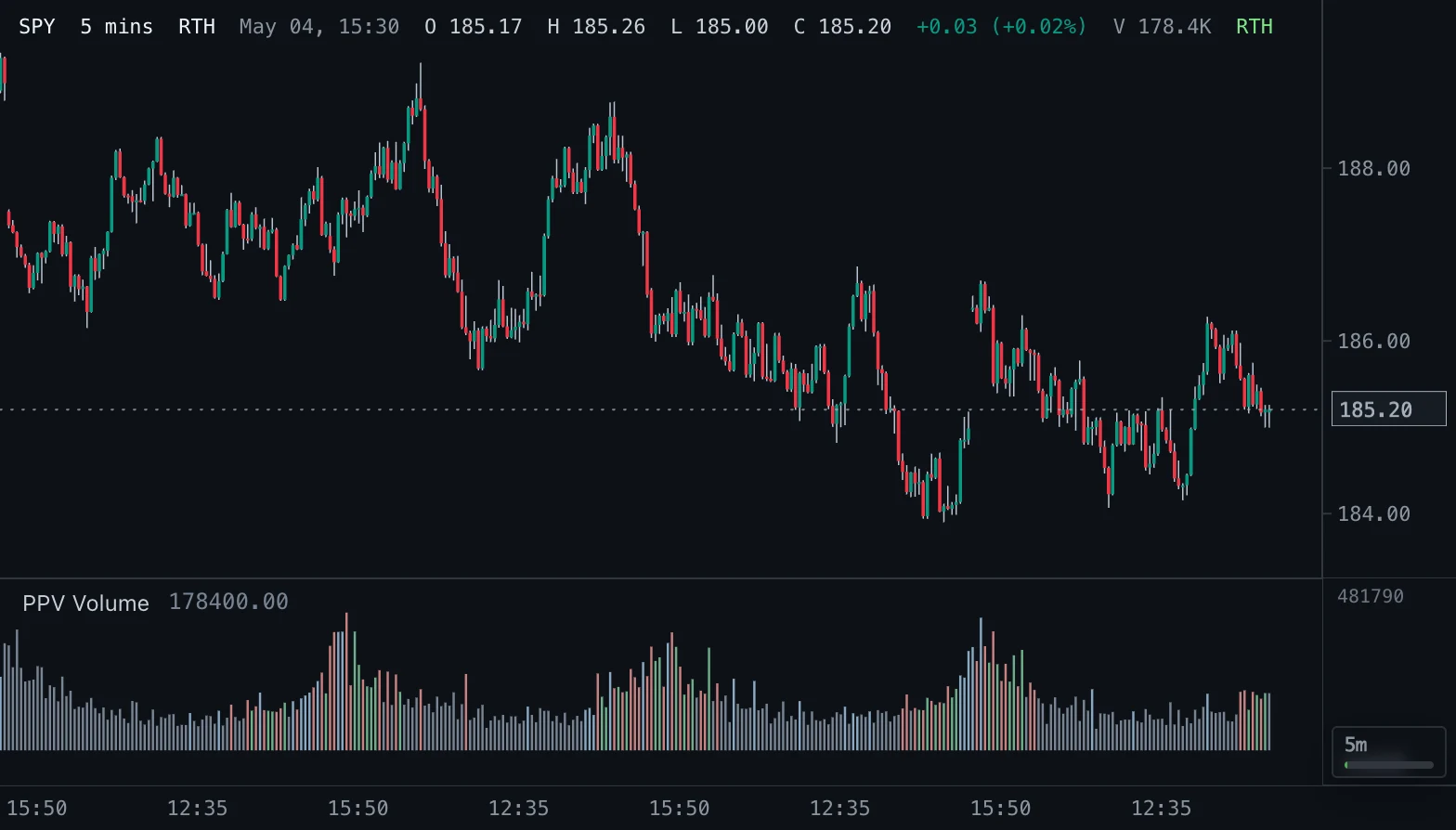
Overview
Every bar is drawn as a volume bar, and its color says what kind of bar it is. Blue is a pocket pivot: the close is above the previous close and the volume is greater than the highest volume of any down-close bar in the preceding lookback. Green is an above-average up-close bar, red an above-average down-close bar, gray every other bar.
How to read it
A pocket pivot highlights unusually strong upside participation compared with recent downside volume. It is most useful with constructive price structure, a reclaim or trend alignment.
Green and red bars show activity above the average, not buying or selling at the tape level.
Settings and limitations
The rolling average defaults to 50 bars, so green and red bars start only after 50 bars with valid volume. Pocket pivots default to a 10-bar lookback and need at least 10 prior bars and at least one down-close bar inside it. The current bar is never part of its own threshold.
Notes
Computes the same classes as the built-in Simple Volume + Pocket Pivots in Spectral. A pocket pivot is a screening observation, not a buy signal; it does not infer intrabar order flow or provide stops or targets.
Settings
Each setting appears in the indicator's settings panel in Spectral, next to a color setting for every output.
| Setting | Type | Default | Range or options | What it does |
|---|---|---|---|---|
| Average length | Whole number | 50 | 1 – 500 | Bars in the rolling volume average that separates above-average bars. |
| Pocket-pivot lookback | Whole number | 10 | 1 – 300 | Prior bars inspected for the highest down-close volume. |
What it draws
Histograms
- Pocket pivothistogram bars
#8AA9C3 - Above-average up barhistogram bars
#6FAF8A - Above-average down barhistogram bars
#C98282 - Other barhistogram bars
#788493
Source
Save it as pocket-pivots.js and add it with Indicators → Custom indicators → Add file…. The format is explained in the custom indicators guide.
// Copyright (c) 2026 Spectral
// SPDX-License-Identifier: MIT-0
// Free to use, copy, modify and share: https://spectral.trade/docs/custom-indicators/LICENSE.txt
/** @type {import('./spectral-indicator').IndicatorV1} */
export default {
  schemaVersion: 1,
  id: 'pocket-pivots',
  name: 'Simple Volume + Pocket Pivots',
  shortName: 'PPV Volume',
  version: '1.0.0',
  author: 'Spectral',
  description: 'Volume histogram colored by class: pocket pivots, above-average up bars, above-average down bars and neutral bars.',
  pane: 'oscillator',
  live: { lookback: 'averageLength + lookback' },
  usesVolume: true,
  inputs: {
    averageLength: { type: 'integer', label: 'Average length', default: 50, min: 1, max: 500, description: 'Bars in the rolling volume average that separates above-average bars.' },
    lookback: { type: 'integer', label: 'Pocket-pivot lookback', default: 10, min: 1, max: 300, description: 'Prior bars inspected for the highest down-close volume.' },
  },
  columns: {
    pocketPivot: { label: 'Pocket pivot', color: '#8AA9C3' },
    highUp: { label: 'Above-average up bar', color: '#6FAF8A' },
    highDown: { label: 'Above-average down bar', color: '#C98282' },
    neutral: { label: 'Other bar', color: '#788493' },
  },
  docs: {
    overview: 'Every bar is drawn as a volume bar, and its color says what kind of bar it is. Blue is a pocket pivot: the close is above the previous close and the volume is greater than the highest volume of any down-close bar in the preceding lookback. Green is an above-average up-close bar, red an above-average down-close bar, gray every other bar.',
    howToRead: 'A pocket pivot highlights unusually strong upside participation compared with recent downside volume. It is most useful with constructive price structure, a reclaim or trend alignment.\n\nGreen and red bars show activity above the average, not buying or selling at the tape level.',
    settings: 'The rolling average defaults to 50 bars, so green and red bars start only after 50 bars with valid volume. Pocket pivots default to a 10-bar lookback and need at least 10 prior bars and at least one down-close bar inside it. The current bar is never part of its own threshold.',
    notes: 'Computes the same classes as the built-in Simple Volume + Pocket Pivots in Spectral. A pocket pivot is a screening observation, not a buy signal; it does not infer intrabar order flow or provide stops or targets.',
  },
  calculate(ctx) {
    const { bars, inputs, ta } = ctx;
    const averageLength = inputs.averageLength;
    const lookback = inputs.lookback;
    const volumes = bars.map((bar) => (typeof bar.volume === 'number' && Number.isFinite(bar.volume) && bar.volume >= 0 ? bar.volume : null));
    const closes = bars.map((bar) => (Number.isFinite(bar.close) ? bar.close : null));
    const isUp = (index) => index > 0 && closes[index - 1] !== null && bars[index].close > closes[index - 1];
    const isDown = (index) => index > 0 && closes[index - 1] !== null && bars[index].close < closes[index - 1];
    // The average volume's running sum (and its count of bars without volume) carries from bar to bar through
    // ta.scan: each bar adds its volume, and from the Average length-th bar on the volume that many bars back leaves.
    const items = volumes.map((volume, index) => ({ volume, leaving: volumes[index - averageLength] }));
    const states = ta.scan(items, { sum: 0, invalid: 0, average: null, ready: false }, (state, item, index) => {
      let { sum, invalid } = state;
      if (item.volume === null) invalid += 1;
      else sum += item.volume;
      if (index >= averageLength) {
        if (item.leaving === null) invalid -= 1;
        else sum -= item.leaving;
      }
      const average = index >= averageLength - 1 && invalid === 0 ? sum / averageLength : null;
      return { sum, invalid, average, ready: index >= lookback };
    });
    const columns = { pocketPivot: [], highUp: [], highDown: [], neutral: [] };
    // Down bars of the last Lookback bars with volume, largest first: a monotonic queue that only ever holds bars of
    // that window, so it depends on those bars alone.
    const downVolumes = [];
    for (let index = 0; index < bars.length; index += 1) {
      const volume = volumes[index];
      const { average, ready } = states[index];
      const up = isUp(index);
      const down = isDown(index);

      while (downVolumes.length > 0 && downVolumes[0].index < index - lookback) downVolumes.shift();
      const maxDownVolume = downVolumes.length > 0 ? downVolumes[0].volume : null;

      const pocketPivot = volume !== null && up && ready && maxDownVolume !== null && volume > maxDownVolume;
      const role = pocketPivot
        ? 'pocketPivot'
        : volume !== null && average !== null && volume > average && down
          ? 'highDown'
          : volume !== null && average !== null && volume > average && up
            ? 'highUp'
            : 'neutral';
      for (const key of Object.keys(columns)) columns[key].push(key === role ? volume : null);

      if (down && volume !== null) {
        while (downVolumes.length > 0 && downVolumes[downVolumes.length - 1].volume <= volume) downVolumes.pop();
        downVolumes.push({ index, volume });
      }
    }
    return { columns };
  },
};
Adapt it with an LLM
Paste this into your assistant and replace the second-to-last line with the change you want.
Start from this Spectral custom indicator: https://spectral.trade/indicators/pocket-pivots.js
Format reference: https://spectral.trade/docs/custom-indicators.llm.md
Keep the file format and every rule of the reference; give the result a new id, name, shortName and version, and update docs and input descriptions to match.
Keep its live updates exact and fast (section "Fast live updates" of the reference): carry values from bar to bar only through ctx.ta, and raise live.lookback if the change reads further back; Spectral rejects a file whose live updates differ from a full recalculation or are too slow.
Change I want: <describe the change>
Answer with the complete file in one code block, ready to save as <id>.js.
Related indicators
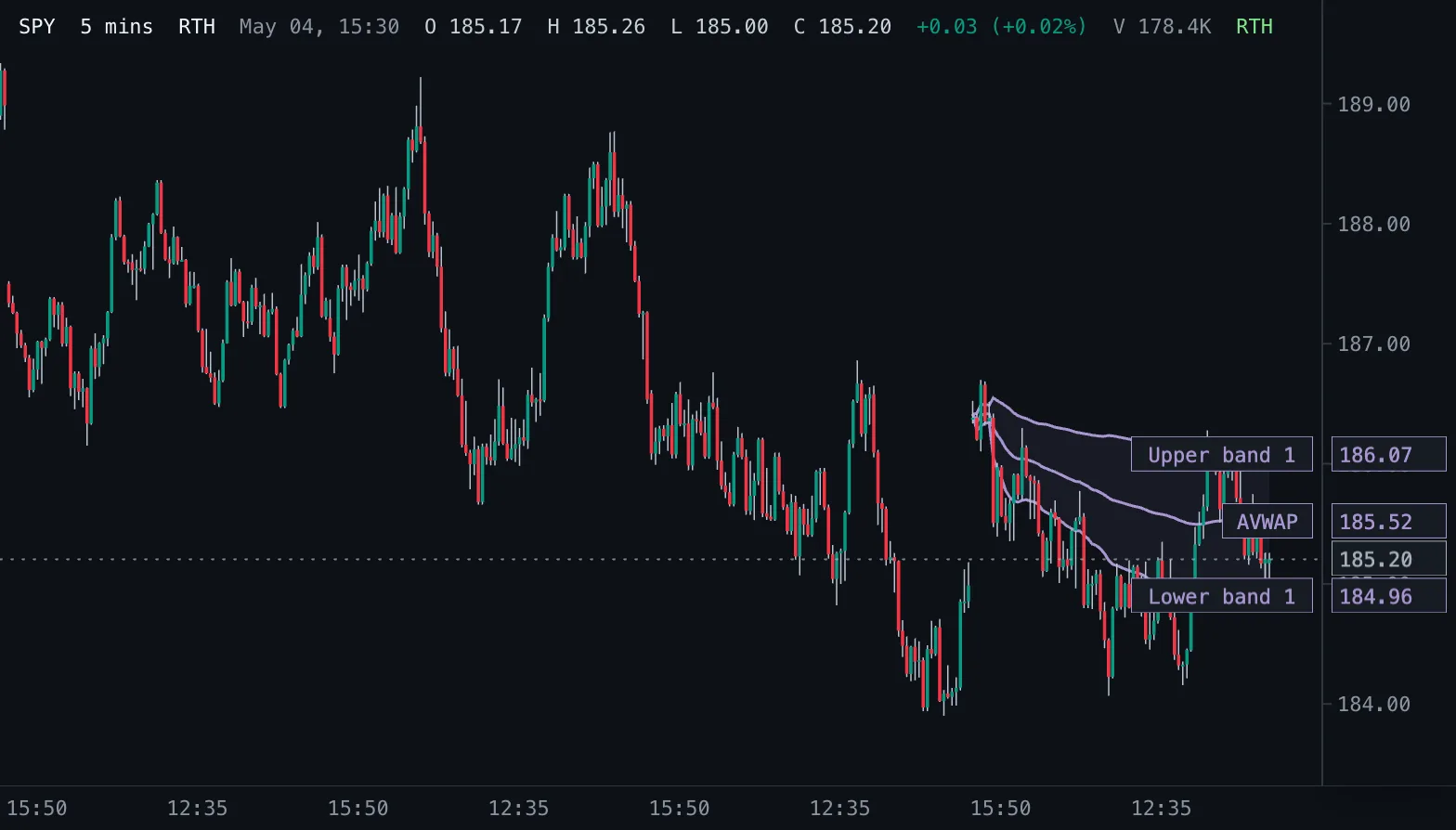
Anchored VWAP AVWAP
Volume-weighted average price counted from a chosen start time, with optional volume-weighted standard deviation bands.
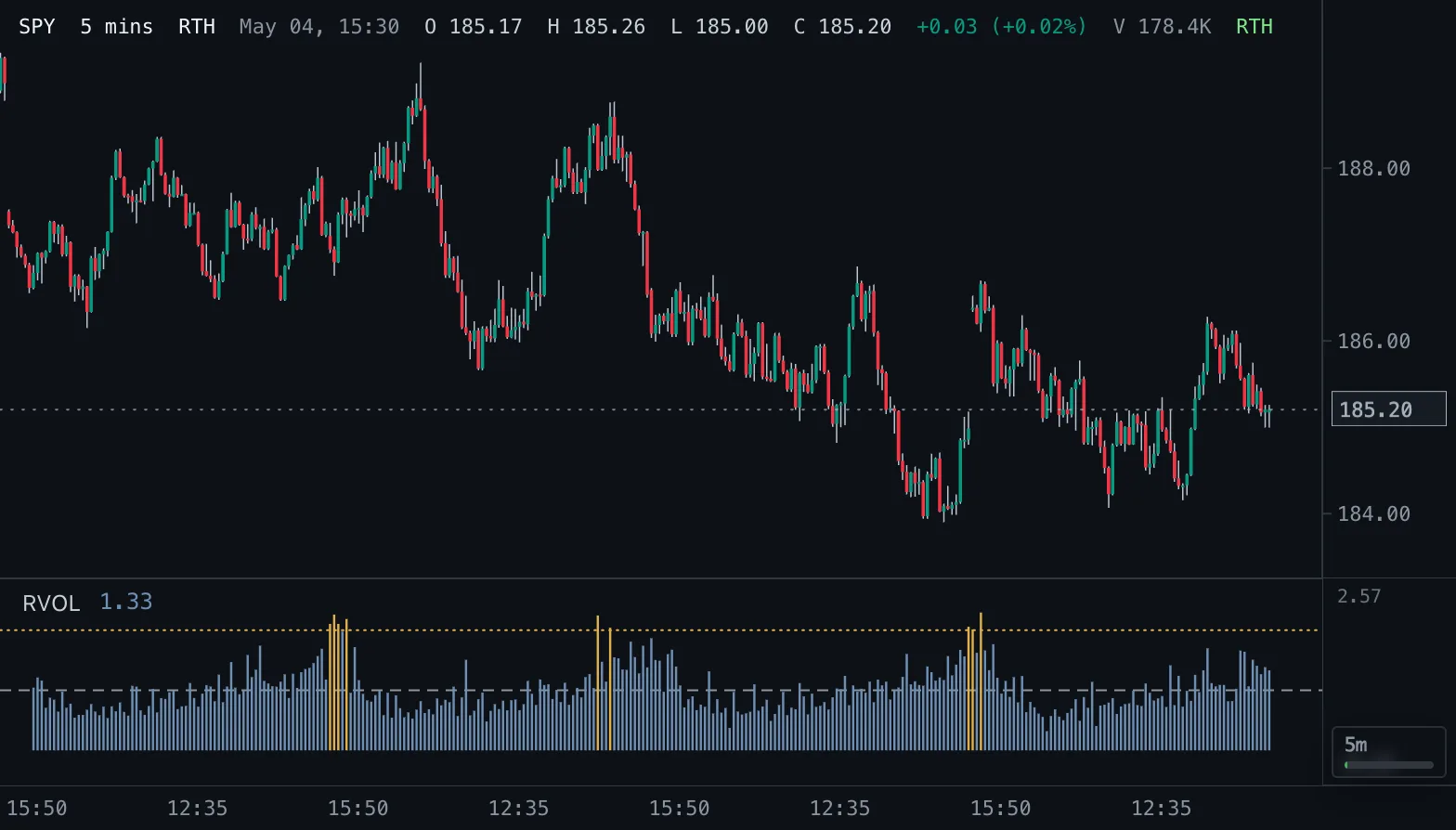
Relative Volume RVOL
Volume as a multiple of normal: against the average of the prior bars, or against the same time of day on earlier sessions.
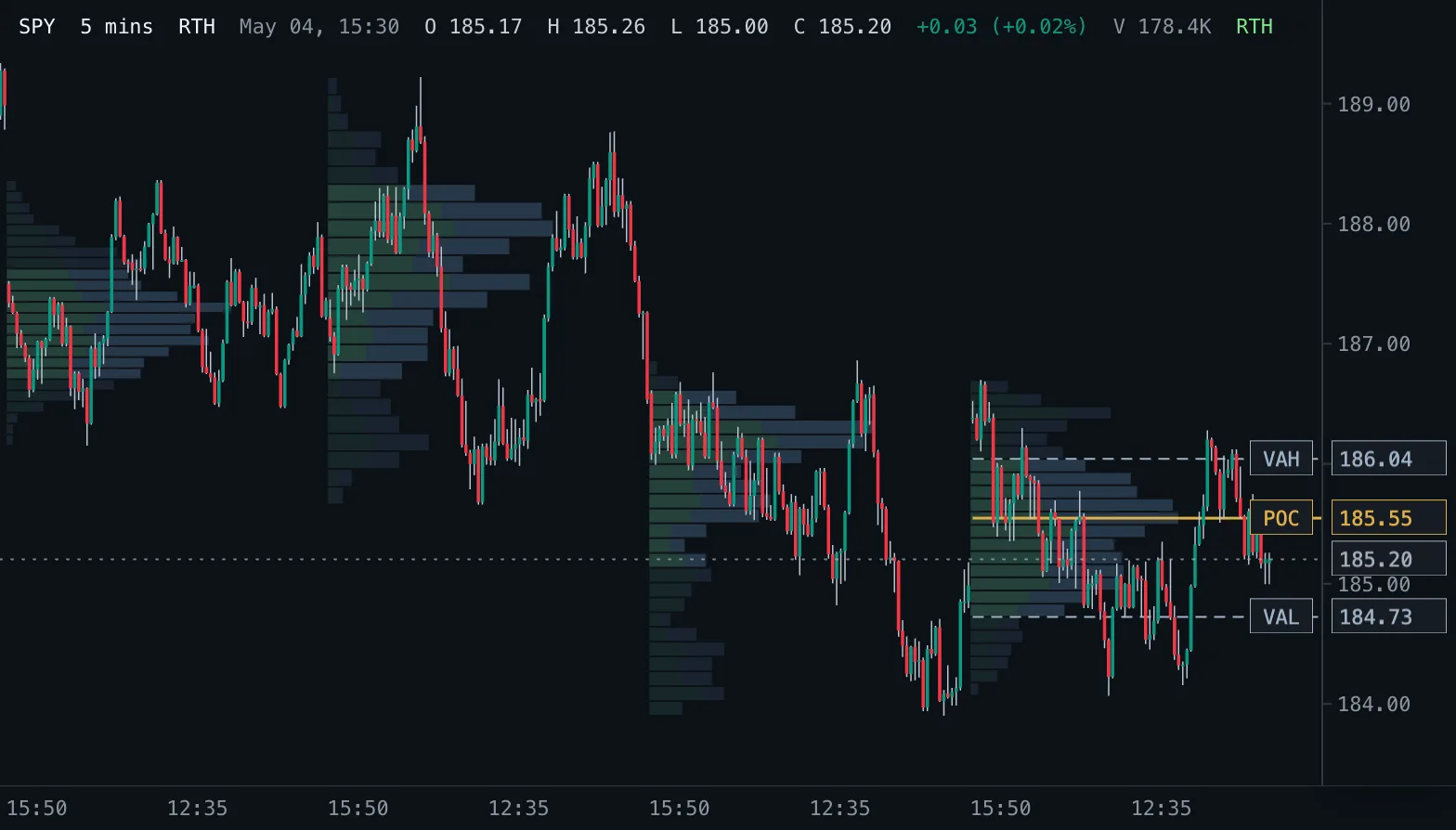
Volume Profile VP
Volume traded at each price as horizontal rows, per session, over a fixed range or for the bars on screen, with point of control and value area.