EMA Clouds
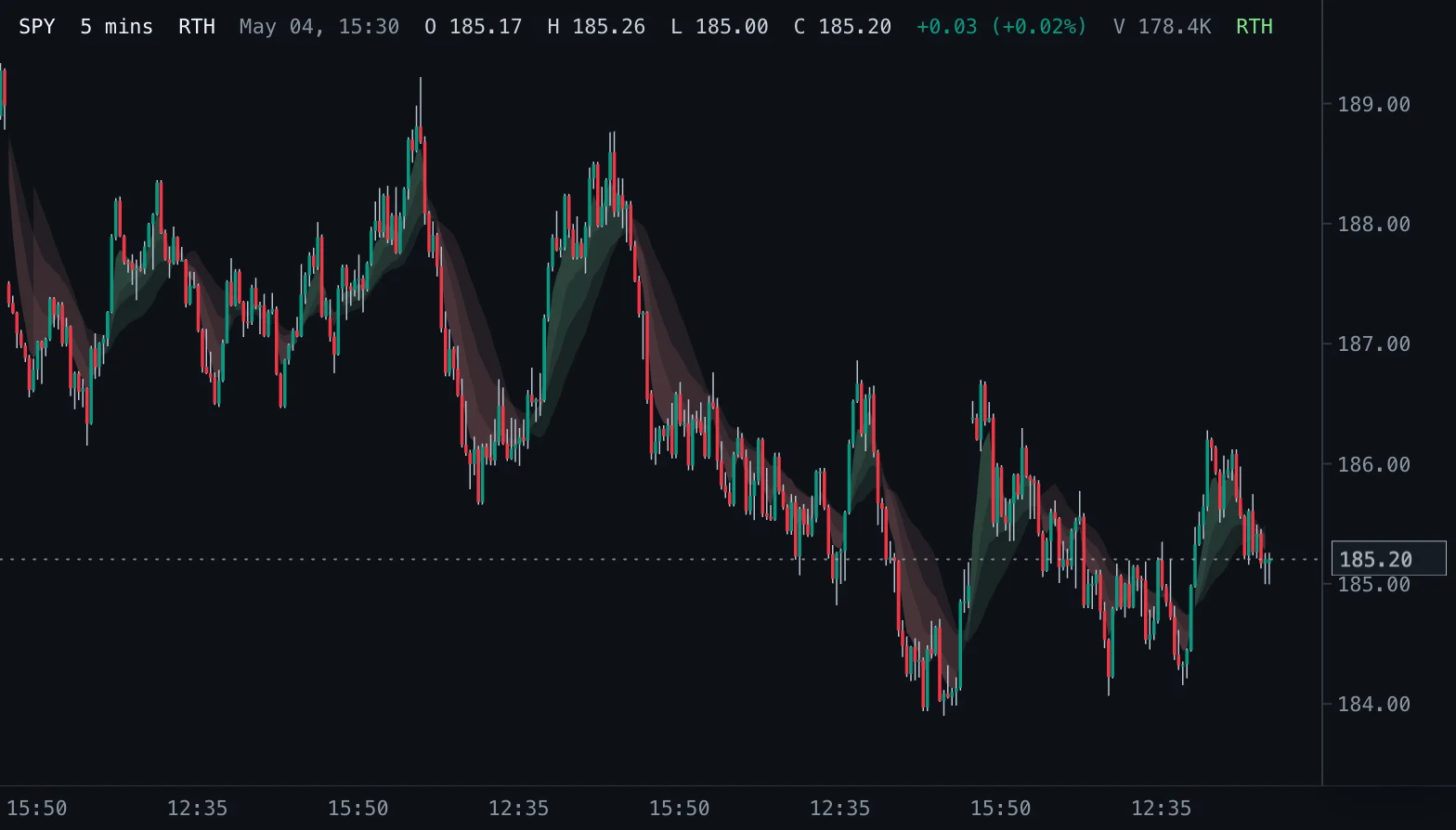
Shaded bullish and bearish clouds between EMA 4 and three slower averages: EMA 20, SMA 21 and EMA 10.
- EMA Clouds
- Built into Spectral
- Updates every tick
- ema
- cloud
- moving average
- trend
- crossover
MIT-0: free to use, change and share, no attribution needed. What you build from it is yours.
Already in Spectral: add it from the Indicators toolbox. The file here is the same indicator written as a custom indicator, to change or learn from. Installed, it appears next to the built-in one, marked Custom.
Overview
EMA Clouds shades the space between a fast EMA 4 of the close and each enabled slower average. Three fixed pairs are available: EMA 4 against EMA 20, against SMA 21 and against EMA 10. Each pair has a bullish and a bearish cloud.
How to read it
A green cloud means EMA 4 is above its slower partner; a red cloud means it is below. Wider spacing shows a larger difference between the averages, and a color flip usually follows a cross.
When all enabled clouds share one color the short-term trend agrees across the pairs; mixed colors show a market in transition.
Settings and limitations
Turn each pair on or off; colors and opacity are settings of each cloud. Clouds need enough bars for the slower average (about 20) before they appear.
Notes
Computes the same clouds as the built-in EMA Clouds in Spectral. Clouds do not define support, resistance or a trade on their own.
Settings
Each setting appears in the indicator's settings panel in Spectral, next to a color setting for every output.
| Setting | Type | Default | Range or options | What it does |
|---|---|---|---|---|
| EMA 4 vs EMA 20 | On / off | On | — | Show the cloud between EMA 4 and EMA 20. |
| EMA 4 vs SMA 21 | On / off | On | — | Show the cloud between EMA 4 and SMA 21. |
| EMA 4 vs EMA 10 | On / off | On | — | Show the cloud between EMA 4 and EMA 10. |
What it draws
Zones
- EMA 4 above EMA 20filled at 12% opacity
#6FAF8A - EMA 4 below EMA 20filled at 12% opacity
#C98282 - EMA 4 above SMA 21filled at 12% opacity
#6FAF8A - EMA 4 below SMA 21filled at 12% opacity
#C98282 - EMA 4 above EMA 10filled at 12% opacity
#6FAF8A - EMA 4 below EMA 10filled at 12% opacity
#C98282
Source
Save it as ema-clouds.js and add it with Indicators → Custom indicators → Add file…. The format is explained in the custom indicators guide.
// Copyright (c) 2026 Spectral
// SPDX-License-Identifier: MIT-0
// Free to use, copy, modify and share: https://spectral.trade/docs/custom-indicators/LICENSE.txt
/** @type {import('./spectral-indicator').IndicatorV1} */
export default {
  schemaVersion: 1,
  id: 'ema-clouds',
  name: 'EMA Clouds',
  shortName: 'EMA Clouds',
  version: '1.0.0',
  author: 'Spectral',
  description: 'Shaded bullish and bearish clouds between EMA 4 and three slower averages: EMA 20, SMA 21 and EMA 10.',
  pane: 'price',
  live: { lookback: 0 },
  inputs: {
    showEma20Cloud: { type: 'boolean', label: 'EMA 4 vs EMA 20', default: true, description: 'Show the cloud between EMA 4 and EMA 20.' },
    showSma21Cloud: { type: 'boolean', label: 'EMA 4 vs SMA 21', default: true, description: 'Show the cloud between EMA 4 and SMA 21.' },
    showEma10Cloud: { type: 'boolean', label: 'EMA 4 vs EMA 10', default: true, description: 'Show the cloud between EMA 4 and EMA 10.' },
  },
  zones: {
    ema20Bull: { label: 'EMA 4 above EMA 20', color: '#6FAF8A', opacity: 0.12 },
    ema20Bear: { label: 'EMA 4 below EMA 20', color: '#C98282', opacity: 0.12 },
    sma21Bull: { label: 'EMA 4 above SMA 21', color: '#6FAF8A', opacity: 0.12 },
    sma21Bear: { label: 'EMA 4 below SMA 21', color: '#C98282', opacity: 0.12 },
    ema10Bull: { label: 'EMA 4 above EMA 10', color: '#6FAF8A', opacity: 0.12 },
    ema10Bear: { label: 'EMA 4 below EMA 10', color: '#C98282', opacity: 0.12 },
  },
  docs: {
    overview: 'EMA Clouds shades the space between a fast EMA 4 of the close and each enabled slower average. Three fixed pairs are available: EMA 4 against EMA 20, against SMA 21 and against EMA 10. Each pair has a bullish and a bearish cloud.',
    howToRead: 'A green cloud means EMA 4 is above its slower partner; a red cloud means it is below. Wider spacing shows a larger difference between the averages, and a color flip usually follows a cross.\n\nWhen all enabled clouds share one color the short-term trend agrees across the pairs; mixed colors show a market in transition.',
    settings: 'Turn each pair on or off; colors and opacity are settings of each cloud. Clouds need enough bars for the slower average (about 20) before they appear.',
    notes: 'Computes the same clouds as the built-in EMA Clouds in Spectral. Clouds do not define support, resistance or a trade on their own.',
  },
  calculate(ctx) {
    const { bars, inputs, ta } = ctx;
    const closes = ta.source(bars, 'close');
    const fast = ta.ema(closes, 4);
    const cloud = (slow) => {
      const bull = { upper: [], lower: [] };
      const bear = { upper: [], lower: [] };
      for (let index = 0; index < bars.length; index += 1) {
        const f = fast[index];
        const s = slow[index];
        const valid = f !== null && s !== null;
        bull.upper.push(valid && f > s ? f : null);
        bull.lower.push(valid && f > s ? s : null);
        bear.upper.push(valid && f < s ? s : null);
        bear.lower.push(valid && f < s ? f : null);
      }
      return { bull, bear };
    };
    const zones = {};
    if (inputs.showEma20Cloud) {
      const pair = cloud(ta.ema(closes, 20));
      zones.ema20Bull = pair.bull;
      zones.ema20Bear = pair.bear;
    }
    if (inputs.showSma21Cloud) {
      const pair = cloud(ta.sma(closes, 21));
      zones.sma21Bull = pair.bull;
      zones.sma21Bear = pair.bear;
    }
    if (inputs.showEma10Cloud) {
      const pair = cloud(ta.ema(closes, 10));
      zones.ema10Bull = pair.bull;
      zones.ema10Bear = pair.bear;
    }
    return { zones };
  },
};
Adapt it with an LLM
Paste this into your assistant and replace the second-to-last line with the change you want.
Start from this Spectral custom indicator: https://spectral.trade/indicators/ema-clouds.js
Format reference: https://spectral.trade/docs/custom-indicators.llm.md
Keep the file format and every rule of the reference; give the result a new id, name, shortName and version, and update docs and input descriptions to match.
Keep its live updates exact and fast (section "Fast live updates" of the reference): carry values from bar to bar only through ctx.ta, and raise live.lookback if the change reads further back; Spectral rejects a file whose live updates differ from a full recalculation or are too slow.
Change I want: <describe the change>
Answer with the complete file in one code block, ready to save as <id>.js.
Related indicators
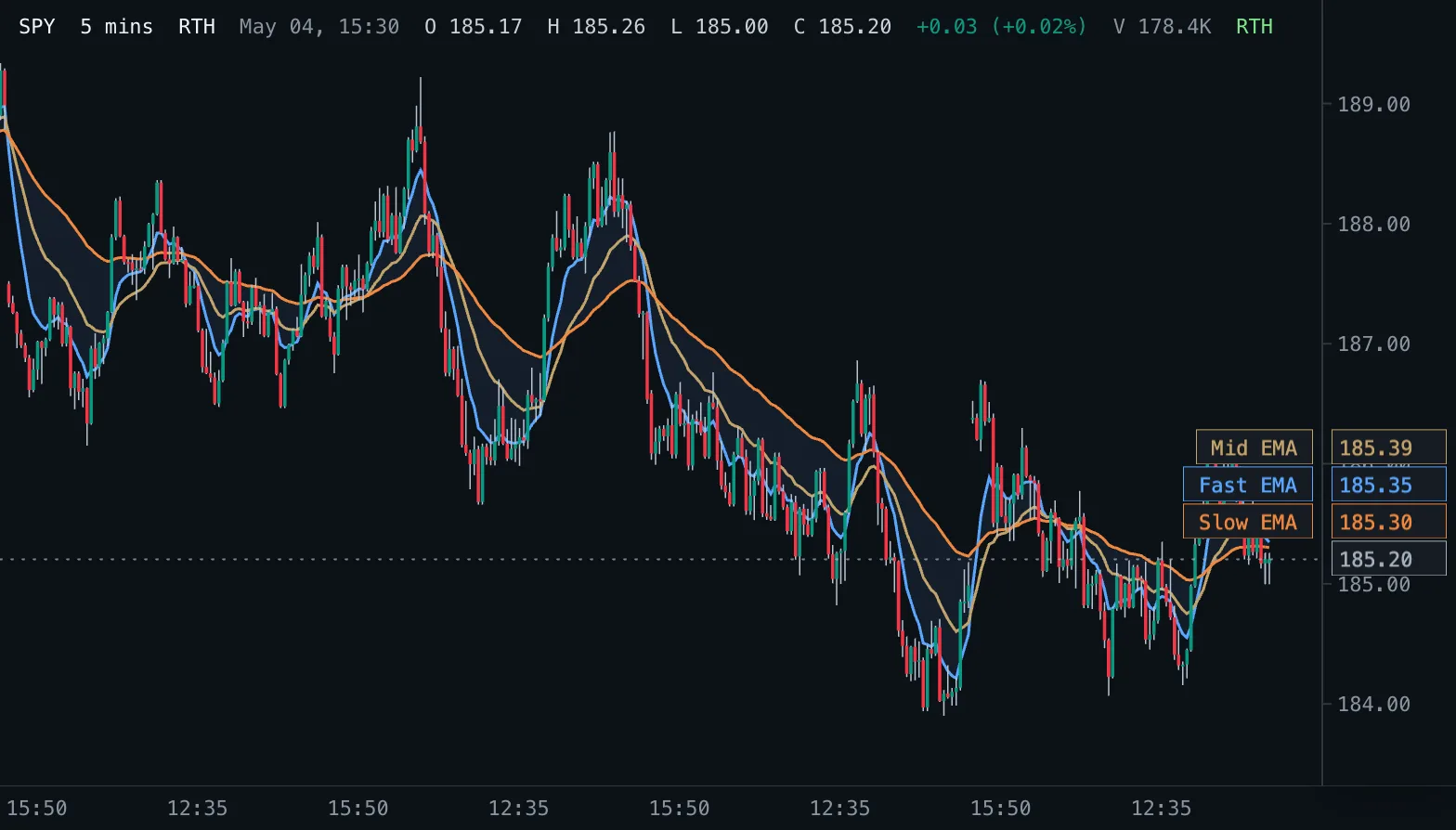
EMA Ribbon Ribbon
Three exponential moving averages on the price pane with a shaded band between the fastest and the slowest.
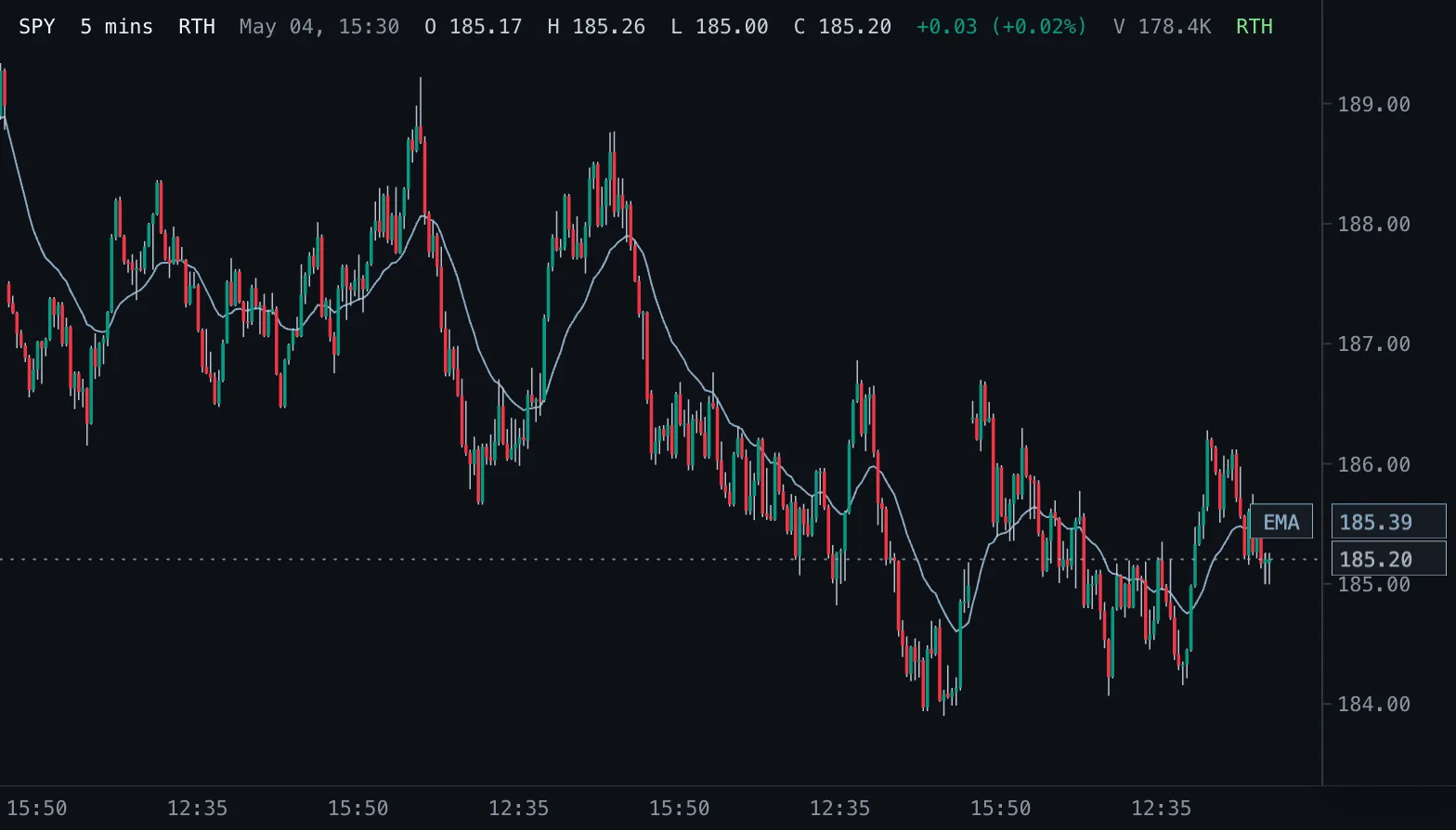
Exponential Moving Average EMA
Exponential moving average of the chosen price, weighting recent bars more, drawn on the candles.
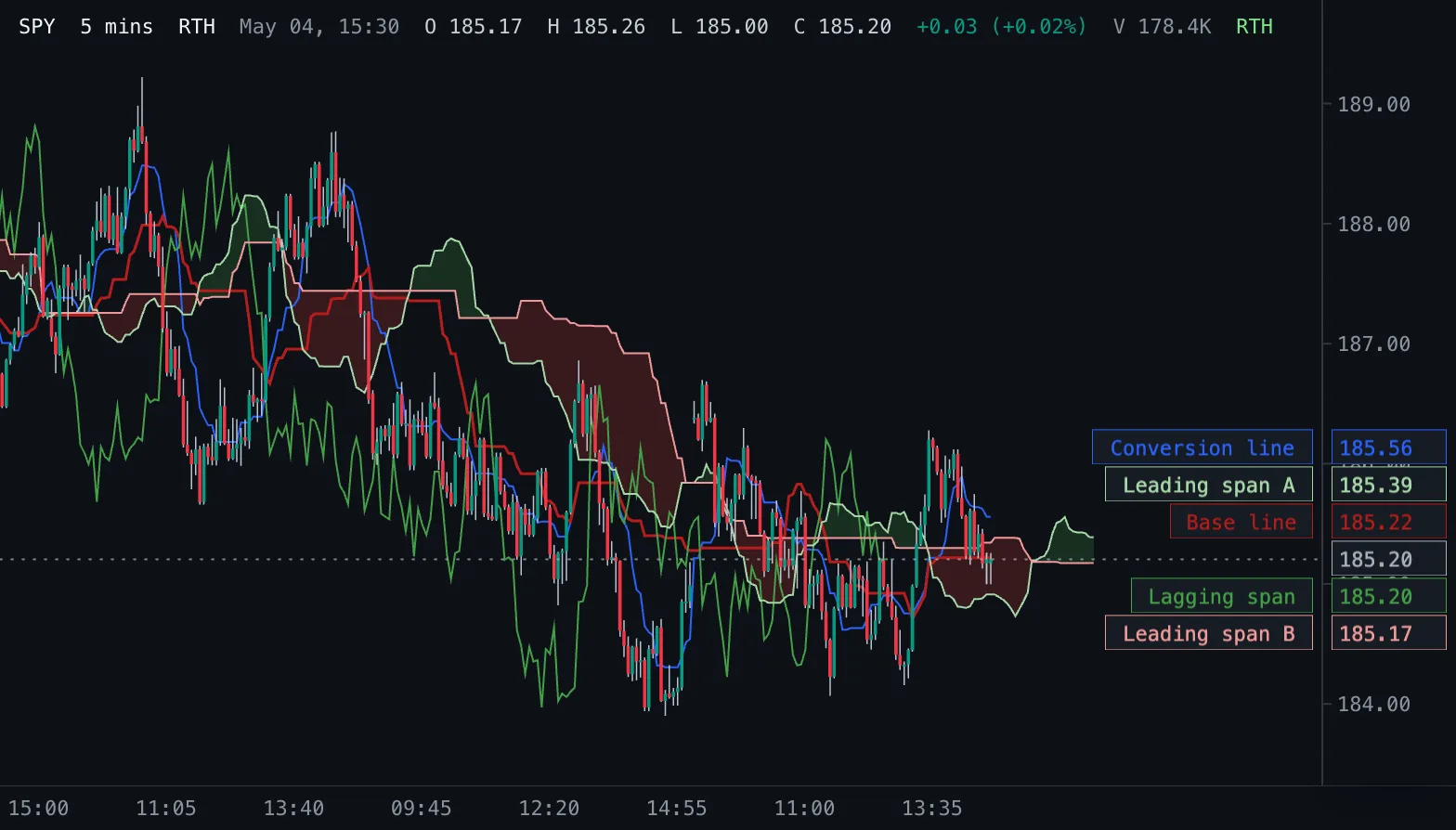
Ichimoku Cloud Ichimoku
Ichimoku Kinko Hyo: conversion and base lines, a cloud of two leading spans projected into the future, and the lagging close.