Chaikin Money Flow
Share of volume over the last bars that closed in the upper or lower part of its bar range, from -1 to +1.
- CMF
- Built into Spectral
- Updates every tick
- Uses volume
- chaikin money flow
- cmf
- money flow
- accumulation
- distribution
MIT-0: free to use, change and share, no attribution needed. What you build from it is yours.
Already in Spectral: add it from the Indicators toolbox. The file here is the same indicator written as a custom indicator, to change or learn from. Installed, it appears next to the built-in one, marked Custom.
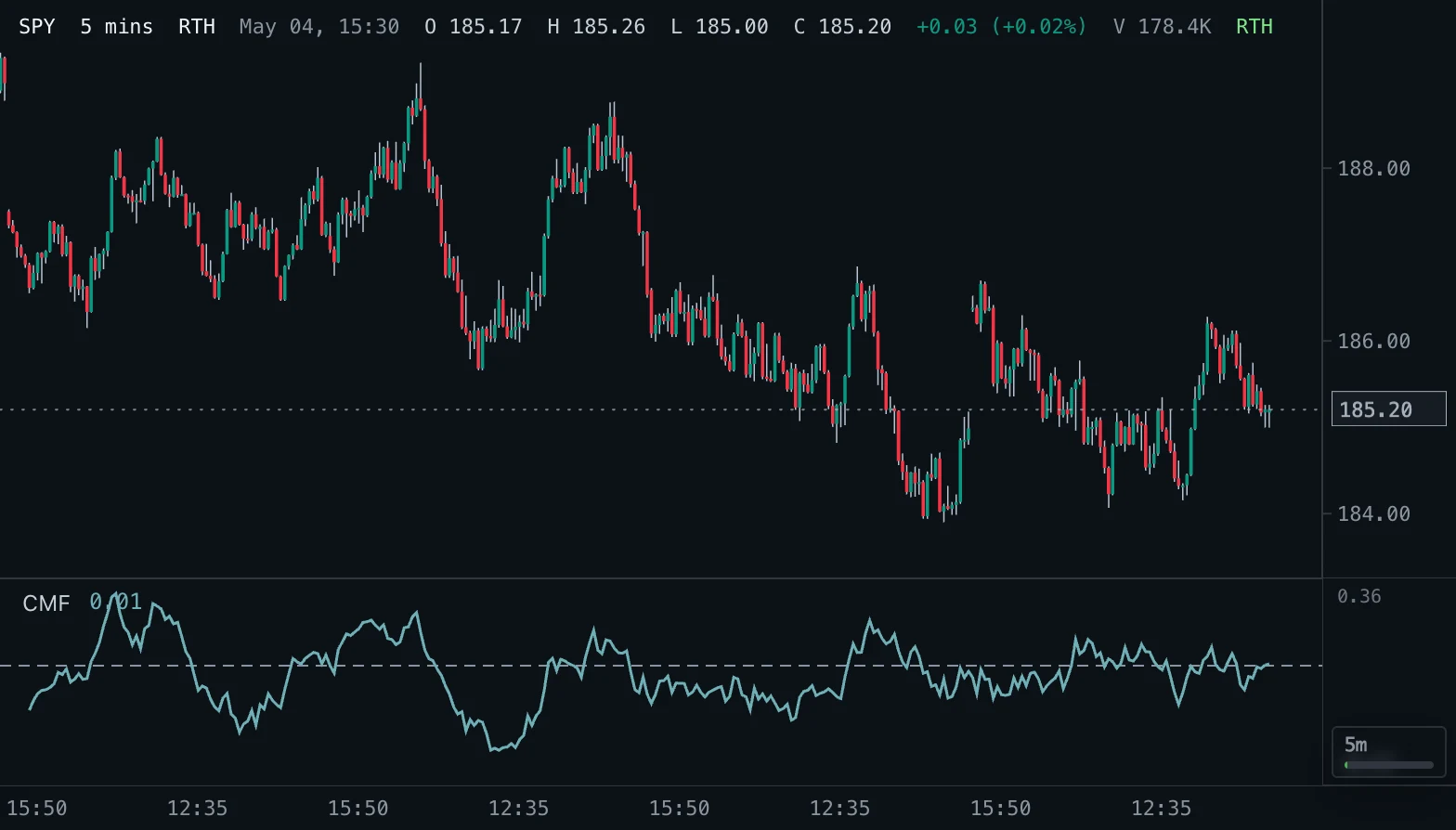
Overview
Chaikin Money Flow measures buying and selling pressure from where each bar closes inside its own range. For every bar the money flow multiplier is ((close - low) - (high - close)) / (high - low): +1 when the bar closes on its high, -1 when it closes on its low, 0 in the middle. Multiplied by the bar's volume it gives the money flow volume.
CMF is the sum of the money flow volume over the chosen length divided by the sum of the volume over the same length. It therefore stays between -1 and +1 and shows what share of recent volume was accumulation or distribution.
How to read it
Above zero means that, on balance, bars have been closing in the upper part of their range on volume: accumulation and buying pressure. Below zero means closes in the lower part: distribution and selling pressure. Readings beyond about +0.25 or -0.25 are considered strong.
A trend is better trusted when CMF agrees with it: a rising price with CMF above zero is healthy, a rising price with CMF falling toward or below zero is a warning. Crosses of the zero line change the bias but lag, because the value sums the money flow of the last Length bars. A bar with no range, or with no volume, contributes nothing.
Settings and limitations
Length is the number of bars in the window; 20 is the usual choice (21 is also common). A shorter length reacts faster and is noisier, a longer one is smoother. The first value appears after Length bars. If the window contains no volume at all there is no value.
The presets offer lengths of 10, 21 and 50. CMF is bounded, so it can be compared across instruments, but because it depends on the bar range it behaves differently on tiny bar sizes, where many bars close at their high or low.
Notes
This is the standard Chaikin Money Flow of Marc Chaikin and the same formula TradingView uses. A bar whose high equals its low has a multiplier of 0 here, as in TradingView. If the volume sum of the window is zero, no value is drawn.
Settings
Each setting appears in the indicator's settings panel in Spectral, next to a color setting for every output.
| Setting | Type | Default | Range or options | What it does |
|---|---|---|---|---|
| Length | Whole number | 20 | 2 – 500 | Number of bars over which money flow volume and volume are added up. |
Presets
Each preset is its own entry in the Indicators toolbox, with these settings changed.
| Toolbox entry | Short name | Settings |
|---|---|---|
| CMF (10) | CMF 10 | Length: 10 |
| CMF (21) | CMF 21 | Length: 21 |
| CMF (50) | CMF 50 | Length: 50 |
What it draws
Lines
- CMFsolid · 1.5 px · primary
#6FAFB5
Levels
- Zerodashed · 1 px
#8A94A3
Source
Save it as chaikin-money-flow.js and add it with Indicators → Custom indicators → Add file…. The format is explained in the custom indicators guide.
// Copyright (c) 2026 Spectral
// SPDX-License-Identifier: MIT-0
// Free to use, copy, modify and share: https://spectral.trade/docs/custom-indicators/LICENSE.txt
/** @type {import('./spectral-indicator').IndicatorV2} */
export default {
  schemaVersion: 2,
  id: 'chaikin-money-flow',
  name: 'Chaikin Money Flow',
  shortName: 'CMF',
  version: '1.0.0',
  author: 'Spectral',
  description: 'Share of volume over the last bars that closed in the upper or lower part of its bar range, from -1 to +1.',
  pane: 'oscillator',
  live: { lookback: 'length' },
  usesVolume: true,
  inputs: {
    length: { type: 'integer', label: 'Length', default: 20, min: 2, max: 500, description: 'Number of bars over which money flow volume and volume are added up.' },
  },
  plots: {
    cmf: { label: 'CMF', color: '#6FAFB5', lineWidth: 1.5, primary: true },
  },
  levels: {
    zero: { label: 'Zero', color: '#8A94A3', lineStyle: 'dashed' },
  },
  presets: [
    { id: 'length-10', name: 'CMF (10)', shortName: 'CMF 10', inputs: { length: 10 } },
    { id: 'length-21', name: 'CMF (21)', shortName: 'CMF 21', inputs: { length: 21 } },
    { id: 'length-50', name: 'CMF (50)', shortName: 'CMF 50', inputs: { length: 50 } },
  ],
  docs: {
    overview: 'Chaikin Money Flow measures buying and selling pressure from where each bar closes inside its own range. For every bar the money flow multiplier is ((close - low) - (high - close)) / (high - low): +1 when the bar closes on its high, -1 when it closes on its low, 0 in the middle. Multiplied by the bar\'s volume it gives the money flow volume.\n\nCMF is the sum of the money flow volume over the chosen length divided by the sum of the volume over the same length. It therefore stays between -1 and +1 and shows what share of recent volume was accumulation or distribution.',
    howToRead: 'Above zero means that, on balance, bars have been closing in the upper part of their range on volume: accumulation and buying pressure. Below zero means closes in the lower part: distribution and selling pressure. Readings beyond about +0.25 or -0.25 are considered strong.\n\nA trend is better trusted when CMF agrees with it: a rising price with CMF above zero is healthy, a rising price with CMF falling toward or below zero is a warning. Crosses of the zero line change the bias but lag, because the value sums the money flow of the last Length bars. A bar with no range, or with no volume, contributes nothing.',
    settings: 'Length is the number of bars in the window; 20 is the usual choice (21 is also common). A shorter length reacts faster and is noisier, a longer one is smoother. The first value appears after Length bars. If the window contains no volume at all there is no value.\n\nThe presets offer lengths of 10, 21 and 50. CMF is bounded, so it can be compared across instruments, but because it depends on the bar range it behaves differently on tiny bar sizes, where many bars close at their high or low.',
    notes: 'This is the standard Chaikin Money Flow of Marc Chaikin and the same formula TradingView uses. A bar whose high equals its low has a multiplier of 0 here, as in TradingView. If the volume sum of the window is zero, no value is drawn.',
  },
  calculate(ctx) {
    const { bars, inputs, ta } = ctx;
    const volumes = bars.map((bar) => {
      const volume = Number(bar.volume);
      return Number.isFinite(volume) && volume > 0 ? volume : 0;
    });
    const flows = bars.map((bar, index) => {
      const range = bar.high - bar.low;
      const multiplier = range > 0 ? ((bar.close - bar.low) - (bar.high - bar.close)) / range : 0;
      return multiplier * volumes[index];
    });
    // Sums over the last Length bars; a window without volume sums to exactly zero and has no value.
    const flowSums = ta.sum(flows, inputs.length);
    const volumeSums = ta.sum(volumes, inputs.length);
    const cmf = flowSums.map((flowSum, index) => {
      const volumeSum = volumeSums[index];
      return flowSum === null || volumeSum === null || !(volumeSum > 0) ? null : flowSum / volumeSum;
    });
    return { plots: { cmf }, levels: { zero: 0 } };
  },
};
Adapt it with an LLM
Paste this into your assistant and replace the second-to-last line with the change you want.
Start from this Spectral custom indicator: https://spectral.trade/indicators/chaikin-money-flow.js
Format reference: https://spectral.trade/docs/custom-indicators.llm.md
Keep the file format and every rule of the reference; give the result a new id, name, shortName and version, and update docs and input descriptions to match.
Keep its live updates exact and fast (section "Fast live updates" of the reference): carry values from bar to bar only through ctx.ta, and raise live.lookback if the change reads further back; Spectral rejects a file whose live updates differ from a full recalculation or are too slow.
Change I want: <describe the change>
Answer with the complete file in one code block, ready to save as <id>.js.
Related indicators
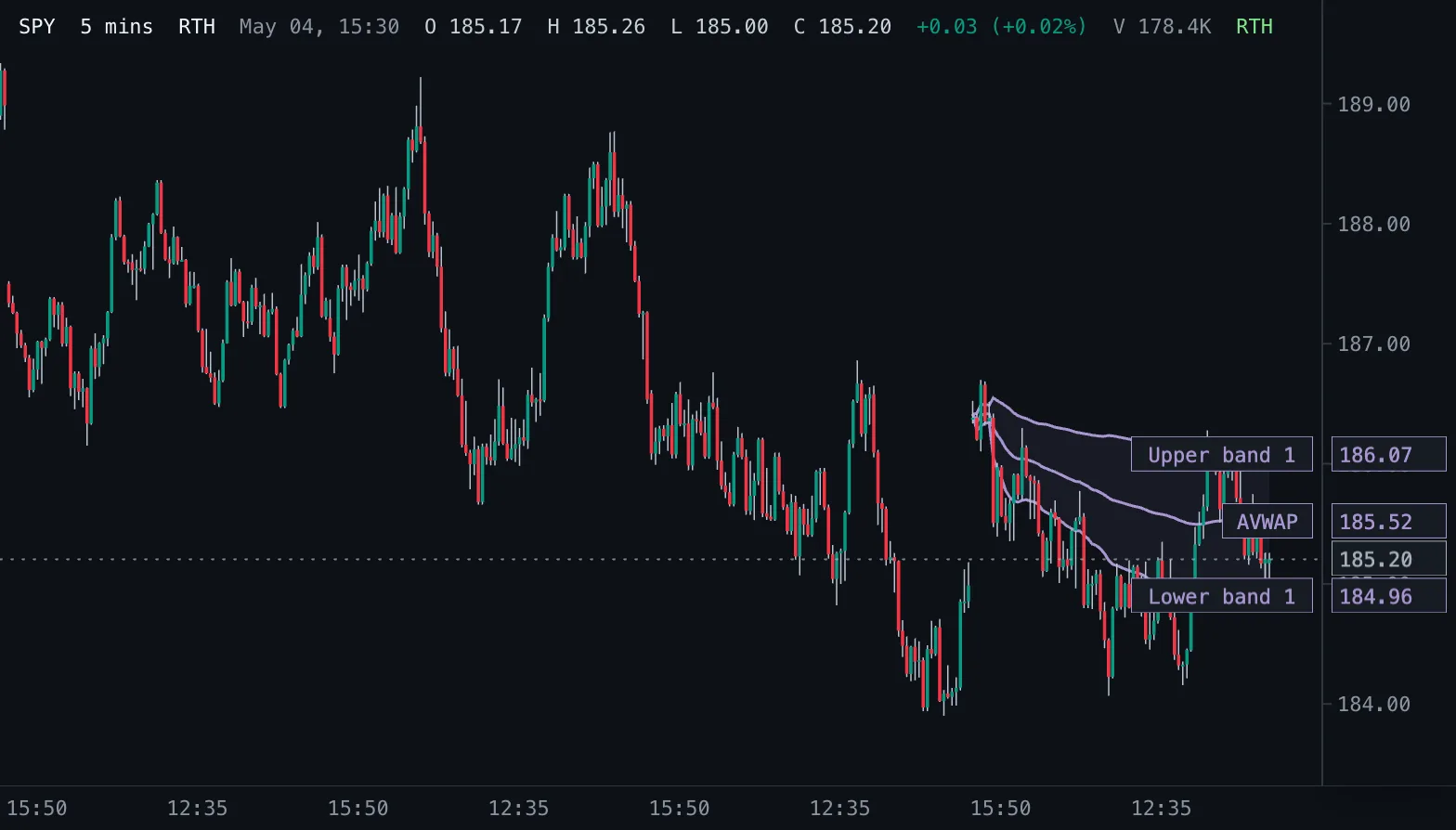
Anchored VWAP AVWAP
Volume-weighted average price counted from a chosen start time, with optional volume-weighted standard deviation bands.
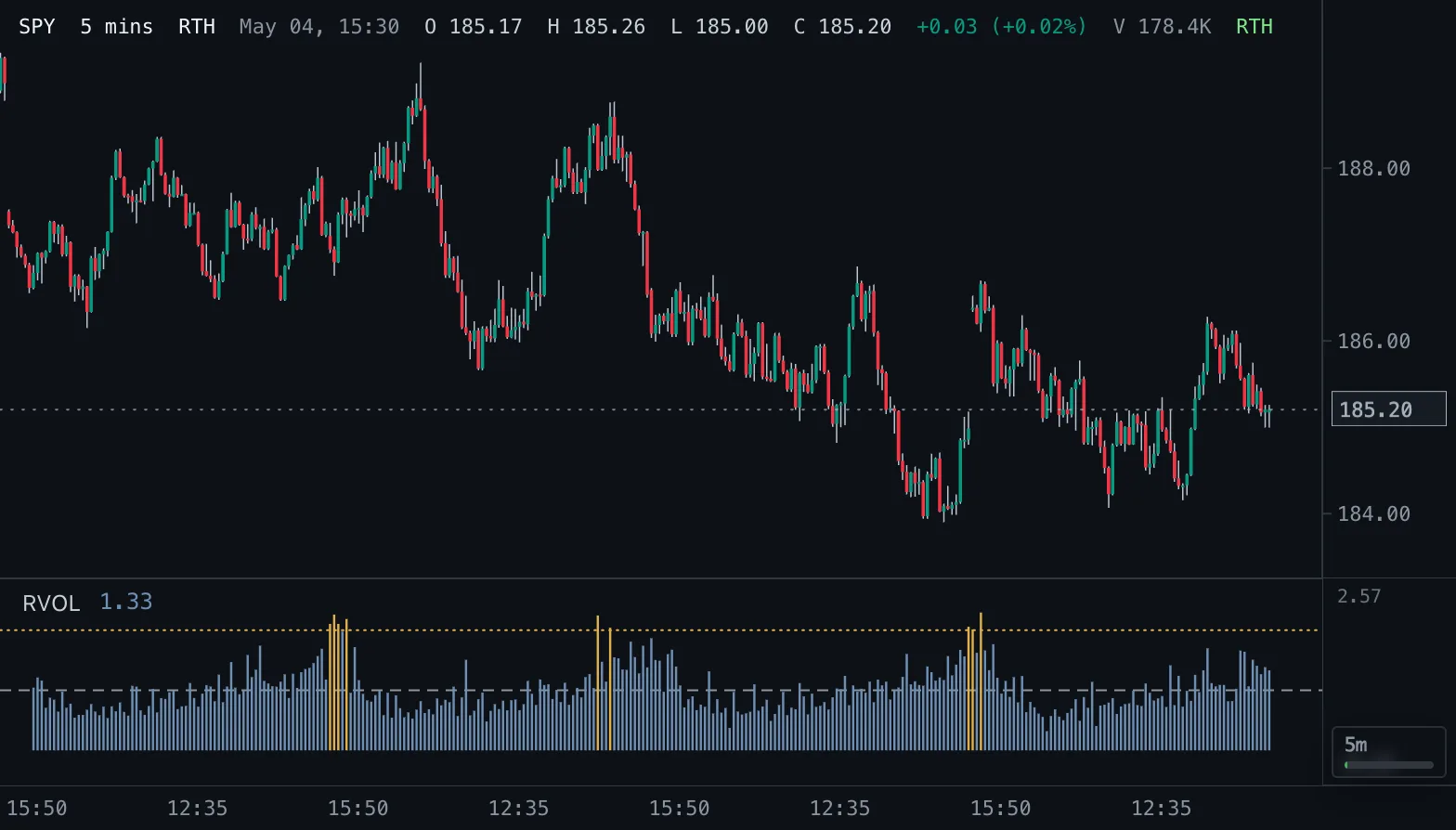
Relative Volume RVOL
Volume as a multiple of normal: against the average of the prior bars, or against the same time of day on earlier sessions.
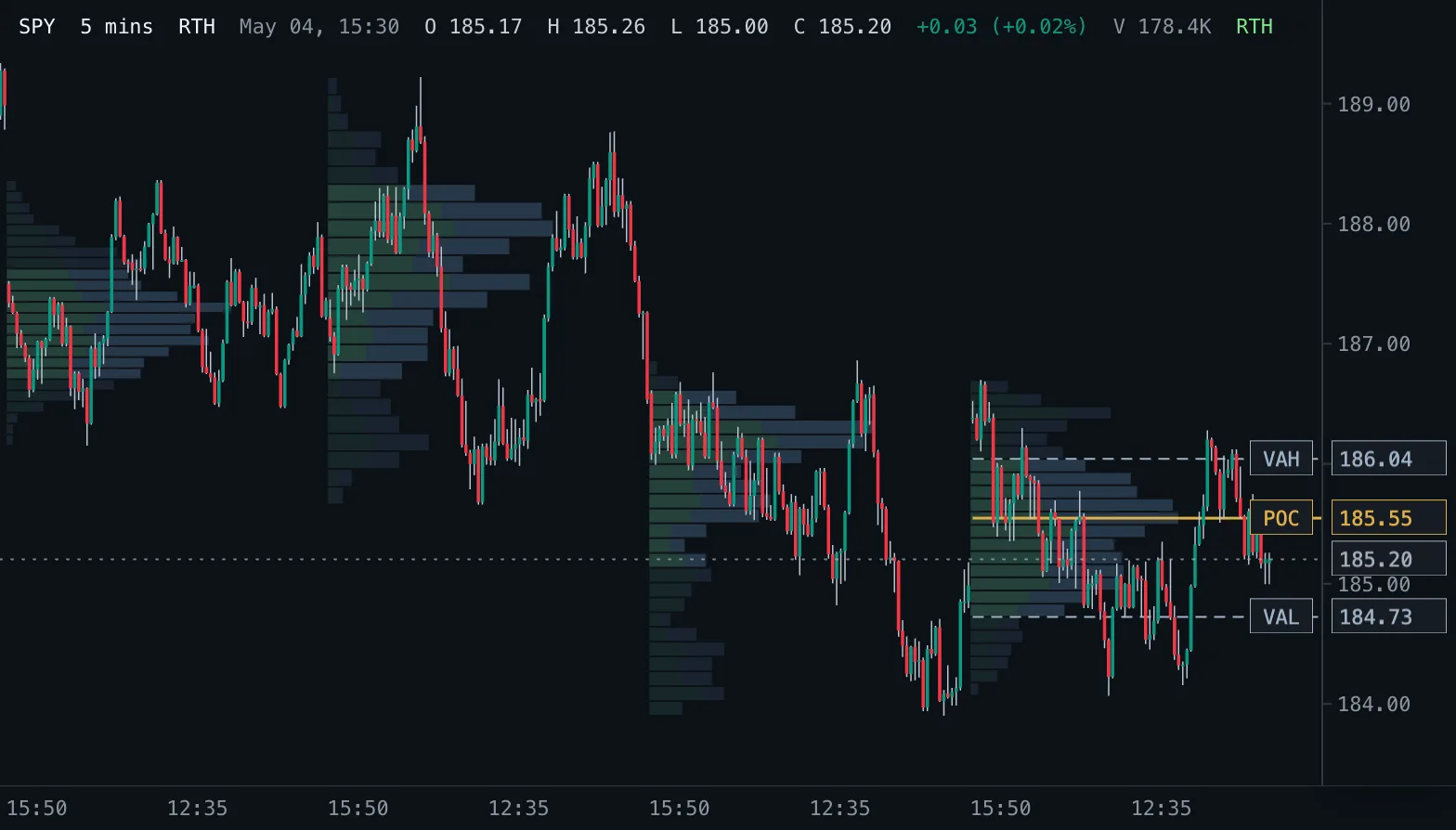
Volume Profile VP
Volume traded at each price as horizontal rows, per session, over a fixed range or for the bars on screen, with point of control and value area.