Arnaud Legoux Moving Average
Arnaud Legoux and Dimitris Kouzis-Loukas' moving average: a Gaussian-weighted window tilted toward recent bars, drawn on the candles.
- ALMA
- Built into Spectral
- Updates every tick
- alma
- arnaud legoux
- gaussian
- moving average
- trend
MIT-0: free to use, change and share, no attribution needed. What you build from it is yours.
Already in Spectral: add it from the Indicators toolbox. The file here is the same indicator written as a custom indicator, to change or learn from. Installed, it appears next to the built-in one, marked Custom.
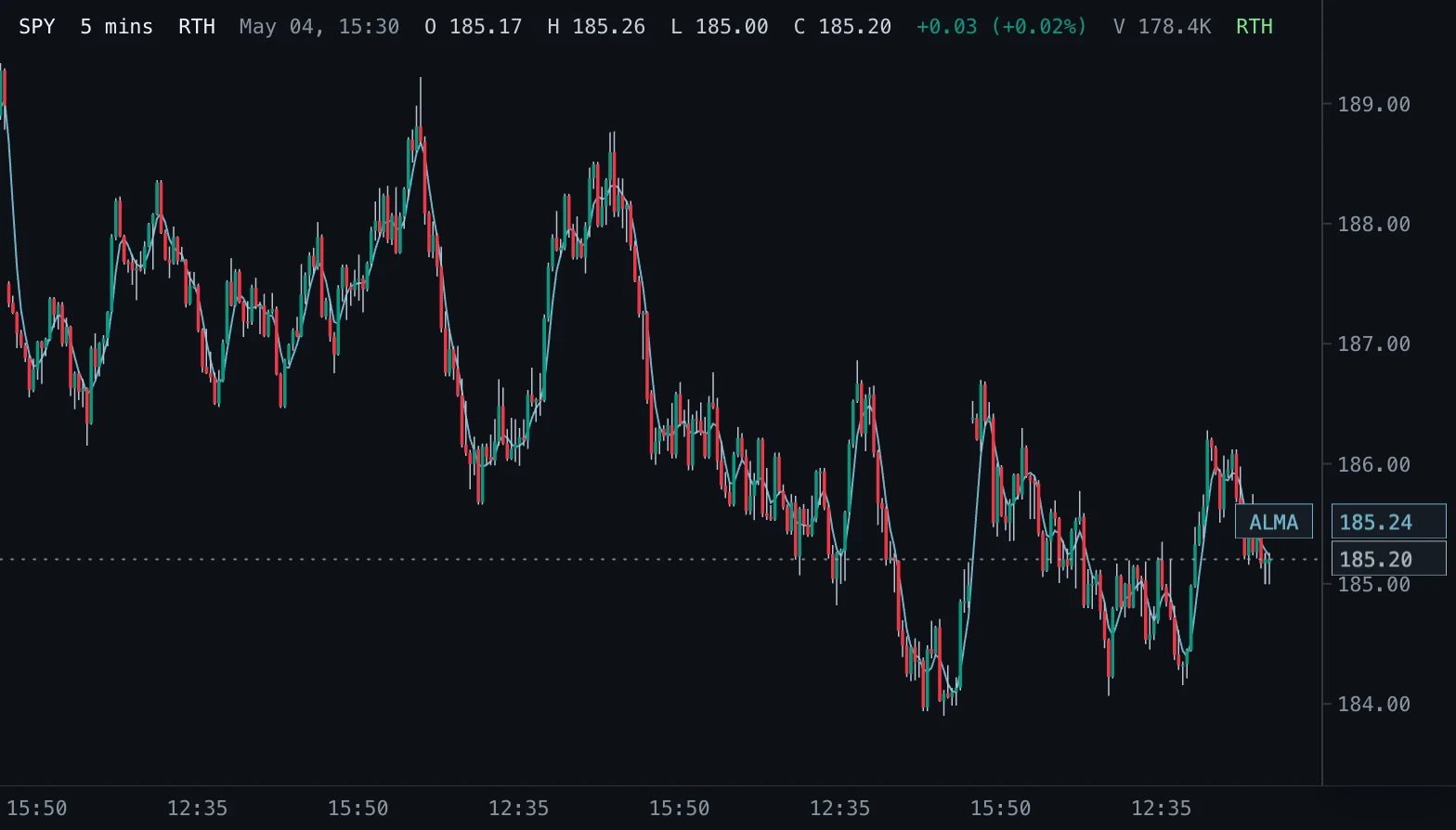
Overview
The Arnaud Legoux Moving Average (2009) weights the prices in its window with a bell curve instead of equally or in a straight line. The curve's peak sits at Offset along the window (0.85 means close to the newest bar), and Sigma sets how narrow the bell is.
Placing the peak near the recent end keeps the line responsive, while the smooth fall-off of the weights on both sides filters out much of the bar-to-bar noise, a balance between the lag of an SMA and the jitter of a short EMA.
How to read it
Read it like other moving averages: its slope gives the direction, and price holding above a rising ALMA (or below a falling one) describes a move with follow-through. With the default settings it reacts about as fast as a short EMA but draws a noticeably smoother line, so turns in the ALMA are less often false starts.
Comparing a short and a long ALMA, or price with one ALMA, gives the usual crossover view of trend changes.
Settings and limitations
Window 9, Offset 0.85 and Sigma 6 are the published defaults and the ones most platforms use; the presets widen the window to 21 and 50. Move Offset toward 1 for a faster line or toward 0.5 for a smoother, centred one. Raising Sigma narrows the bell around the offset and makes the line follow fewer bars more closely.
The first value appears after Window bars.
Notes
Same weights as TradingView's ALMA: the peak sits at Offset x (Window - 1) bars from the oldest bar, with a spread of Window / Sigma bars, and the weights are normalised to sum to one. TradingView's optional floor of the peak position is not applied, as in its default.
Settings
Each setting appears in the indicator's settings panel in Spectral, next to a color setting for every output.
| Setting | Type | Default | Range or options | What it does |
|---|---|---|---|---|
| Window | Whole number | 9 | 1 – 500 | Number of bars in the weighted window. Longer windows are smoother and react later. |
| Offset | Number | 0.85 | 0 – 1, step 0.01 | Where in the window the weights peak: 0 at the oldest bar, 1 at the newest. Higher values react faster; lower values are smoother. |
| Sigma | Number | 6 | 0.5 – 100, step 0.5 | Sharpness of the weight curve. Higher values concentrate the weight around the offset; lower values spread it over the window. |
| Source | Price source | close | open, high, low, close, hlc3 | Price the average is calculated from. |
Presets
Each preset is its own entry in the Indicators toolbox, with these settings changed.
| Toolbox entry | Short name | Settings |
|---|---|---|
| ALMA 21 | ALMA 21 | Window: 21 |
| ALMA 50 | ALMA 50 | Window: 50 |
What it draws
Lines
- ALMAsolid · 1 px · primary
#6FB3C8
Source
Save it as alma.js and add it with Indicators → Custom indicators → Add file…. The format is explained in the custom indicators guide.
// Copyright (c) 2026 Spectral
// SPDX-License-Identifier: MIT-0
// Free to use, copy, modify and share: https://spectral.trade/docs/custom-indicators/LICENSE.txt
/** @type {import('./spectral-indicator').IndicatorV2} */
export default {
  schemaVersion: 2,
  id: 'alma',
  name: 'Arnaud Legoux Moving Average',
  shortName: 'ALMA',
  version: '1.0.0',
  author: 'Spectral',
  description: 'Arnaud Legoux and Dimitris Kouzis-Loukas\' moving average: a Gaussian-weighted window tilted toward recent bars, drawn on the candles.',
  pane: 'price',
  live: { lookback: 'window' },
  inputs: {
    window: { type: 'integer', label: 'Window', default: 9, min: 1, max: 500, description: 'Number of bars in the weighted window. Longer windows are smoother and react later.' },
    offset: { type: 'number', label: 'Offset', default: 0.85, min: 0, max: 1, step: 0.01, description: 'Where in the window the weights peak: 0 at the oldest bar, 1 at the newest. Higher values react faster; lower values are smoother.' },
    sigma: { type: 'number', label: 'Sigma', default: 6, min: 0.5, max: 100, step: 0.5, description: 'Sharpness of the weight curve. Higher values concentrate the weight around the offset; lower values spread it over the window.' },
    source: { type: 'source', label: 'Source', default: 'close', description: 'Price the average is calculated from.' },
  },
  plots: {
    alma: { label: 'ALMA', color: '#6FB3C8', lineWidth: 1, primary: true },
  },
  presets: [
    { id: 'alma-21', name: 'ALMA 21', shortName: 'ALMA 21', inputs: { window: 21 } },
    { id: 'alma-50', name: 'ALMA 50', shortName: 'ALMA 50', inputs: { window: 50 } },
  ],
  docs: {
    overview: 'The Arnaud Legoux Moving Average (2009) weights the prices in its window with a bell curve instead of equally or in a straight line. The curve\'s peak sits at Offset along the window (0.85 means close to the newest bar), and Sigma sets how narrow the bell is.\n\nPlacing the peak near the recent end keeps the line responsive, while the smooth fall-off of the weights on both sides filters out much of the bar-to-bar noise, a balance between the lag of an SMA and the jitter of a short EMA.',
    howToRead: 'Read it like other moving averages: its slope gives the direction, and price holding above a rising ALMA (or below a falling one) describes a move with follow-through. With the default settings it reacts about as fast as a short EMA but draws a noticeably smoother line, so turns in the ALMA are less often false starts.\n\nComparing a short and a long ALMA, or price with one ALMA, gives the usual crossover view of trend changes.',
    settings: 'Window 9, Offset 0.85 and Sigma 6 are the published defaults and the ones most platforms use; the presets widen the window to 21 and 50. Move Offset toward 1 for a faster line or toward 0.5 for a smoother, centred one. Raising Sigma narrows the bell around the offset and makes the line follow fewer bars more closely.\n\nThe first value appears after Window bars.',
    notes: 'Same weights as TradingView\'s ALMA: the peak sits at Offset x (Window - 1) bars from the oldest bar, with a spread of Window / Sigma bars, and the weights are normalised to sum to one. TradingView\'s optional floor of the peak position is not applied, as in its default.',
  },
  calculate(ctx) {
    const { bars, inputs, ta } = ctx;
    const values = ta.source(bars, inputs.source);
    const size = inputs.window;
    const peak = inputs.offset * (size - 1);
    const spread = size / inputs.sigma;
    const weights = [];
    let norm = 0;
    for (let position = 0; position < size; position += 1) {
      const weight = Math.exp(-((position - peak) * (position - peak)) / (2 * spread * spread));
      weights.push(weight);
      norm += weight;
    }
    const alma = new Array(values.length).fill(null);
    for (let index = size - 1; index < values.length; index += 1) {
      let sum = 0;
      for (let position = 0; position < size; position += 1) sum += values[index - size + 1 + position] * weights[position];
      alma[index] = sum / norm;
    }
    return { plots: { alma } };
  },
};
Adapt it with an LLM
Paste this into your assistant and replace the second-to-last line with the change you want.
Start from this Spectral custom indicator: https://spectral.trade/indicators/alma.js
Format reference: https://spectral.trade/docs/custom-indicators.llm.md
Keep the file format and every rule of the reference; give the result a new id, name, shortName and version, and update docs and input descriptions to match.
Keep its live updates exact and fast (section "Fast live updates" of the reference): carry values from bar to bar only through ctx.ta, and raise live.lookback if the change reads further back; Spectral rejects a file whose live updates differ from a full recalculation or are too slow.
Change I want: <describe the change>
Answer with the complete file in one code block, ready to save as <id>.js.
Related indicators
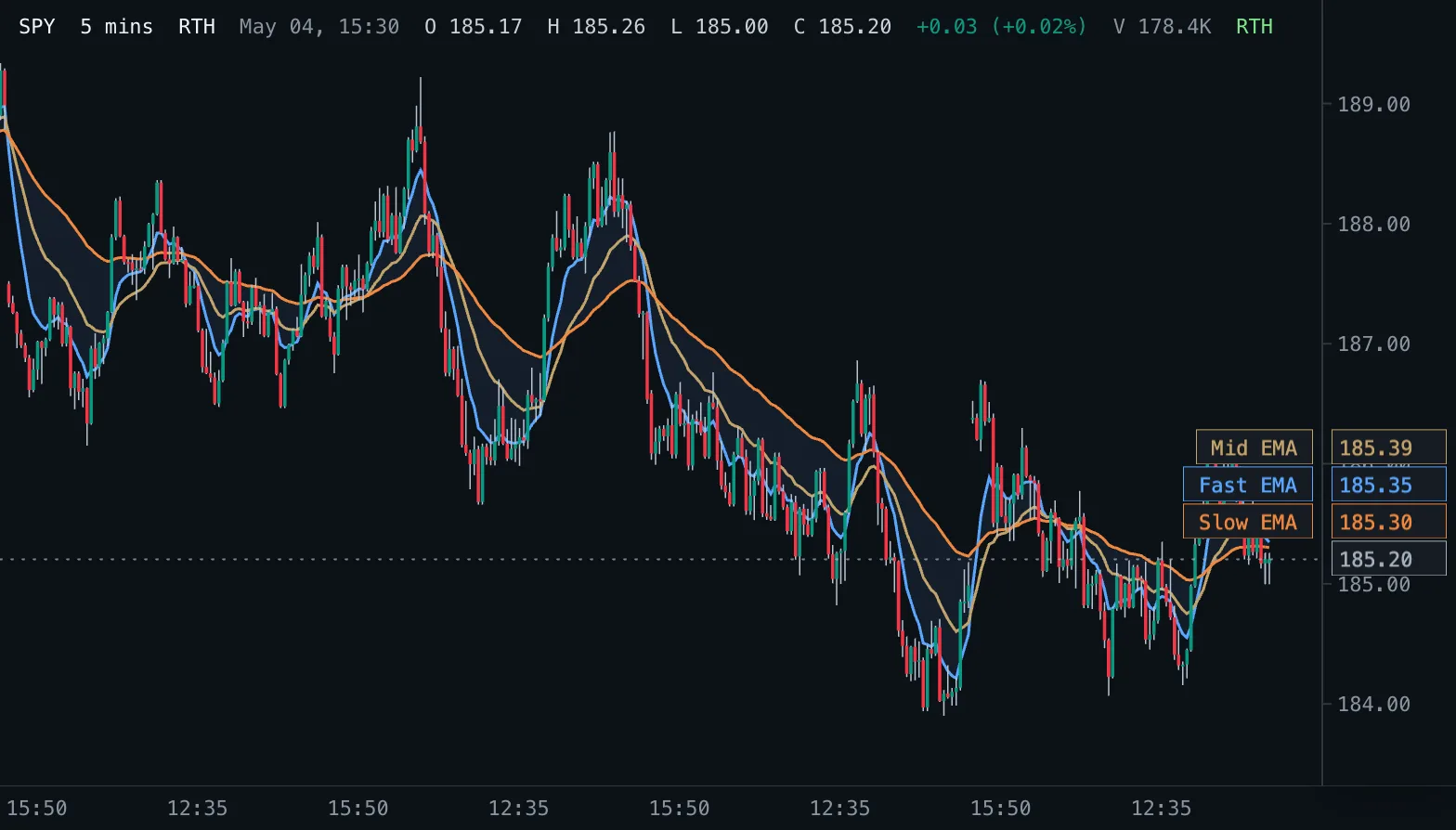
EMA Ribbon Ribbon
Three exponential moving averages on the price pane with a shaded band between the fastest and the slowest.
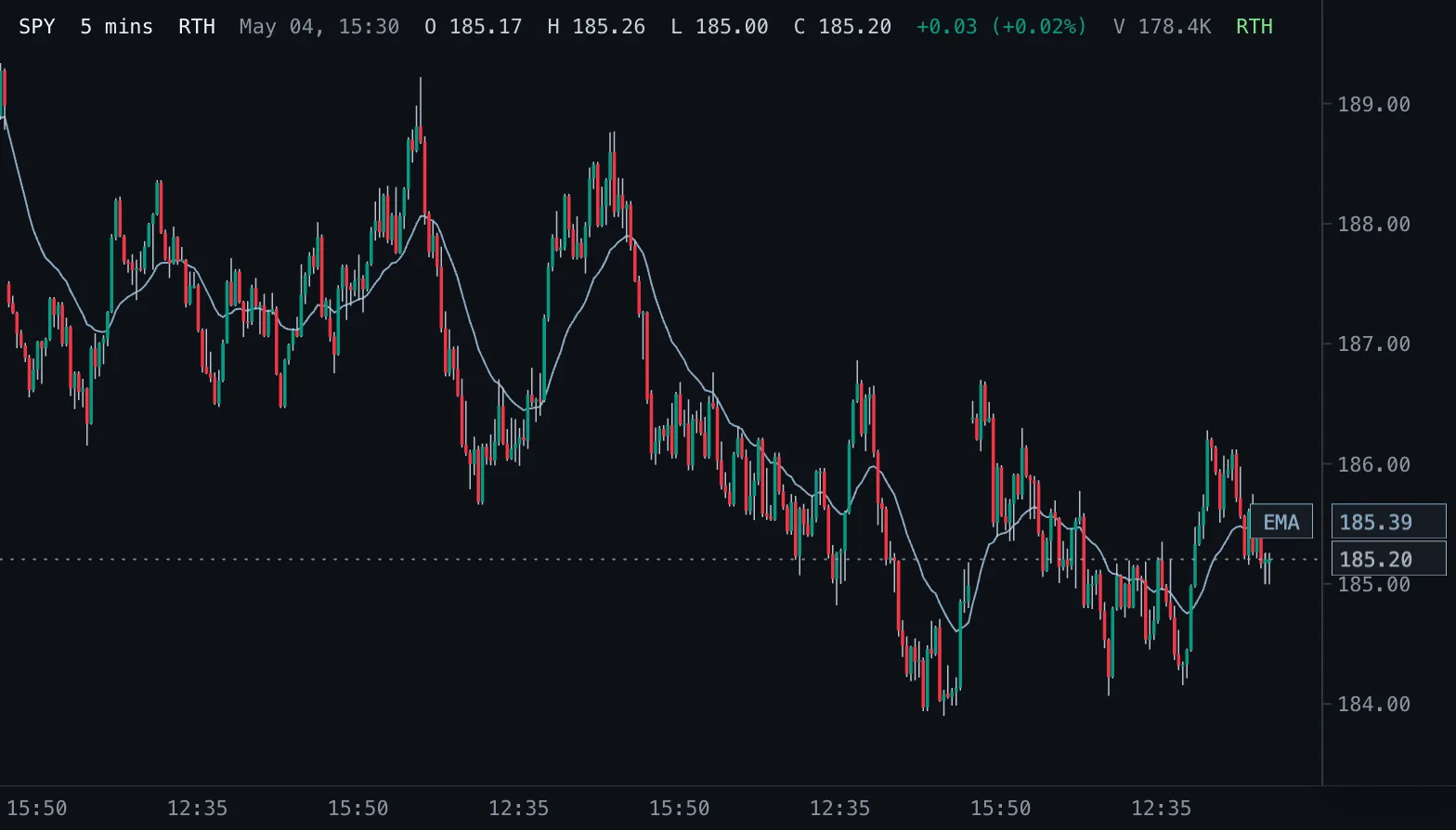
Exponential Moving Average EMA
Exponential moving average of the chosen price, weighting recent bars more, drawn on the candles.
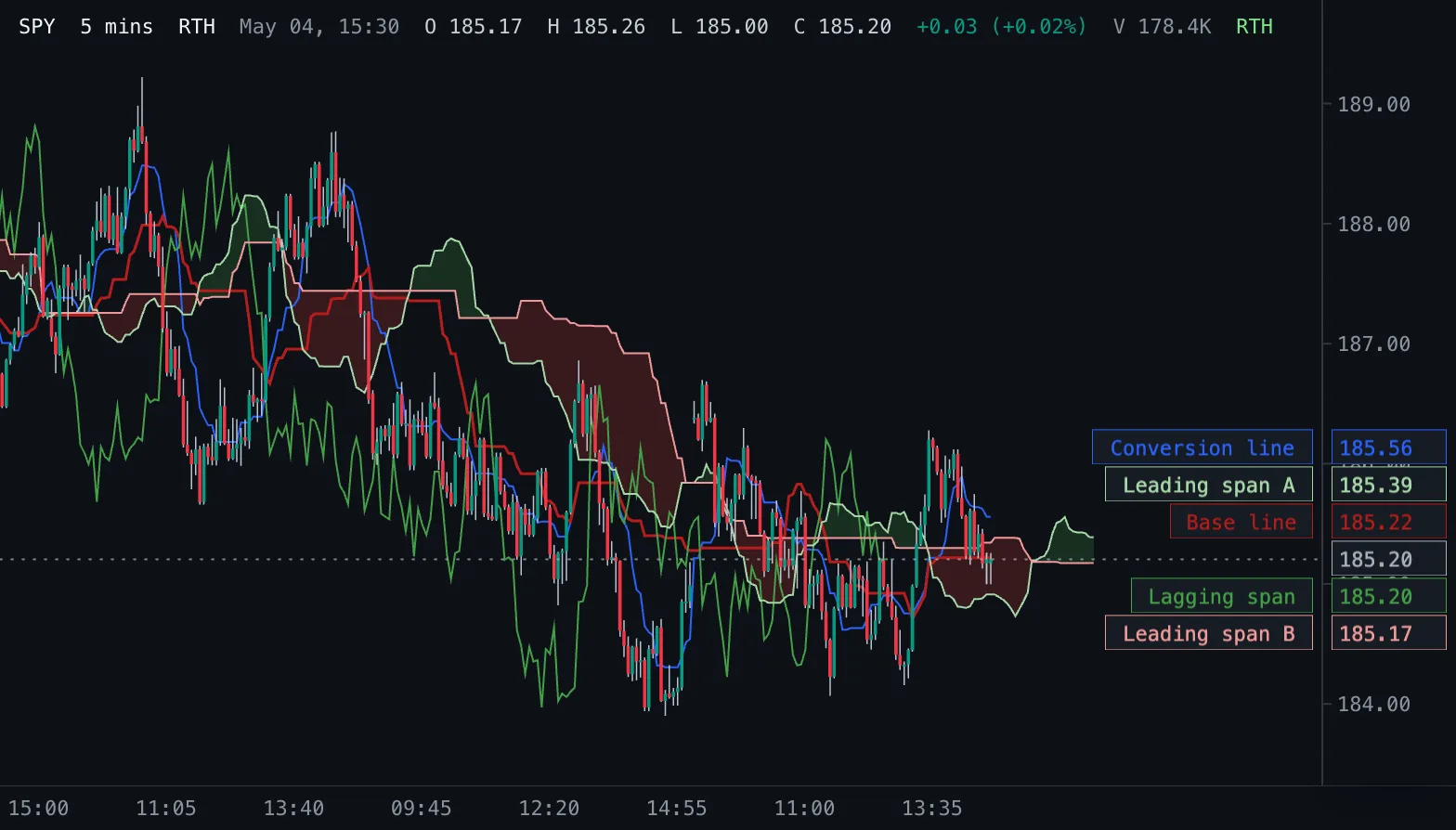
Ichimoku Cloud Ichimoku
Ichimoku Kinko Hyo: conversion and base lines, a cloud of two leading spans projected into the future, and the lagging close.